Cut genuine leather on a Cricut
It’s easy to make DIY earrings with genuine leather by cutting the leather on your Cricut.
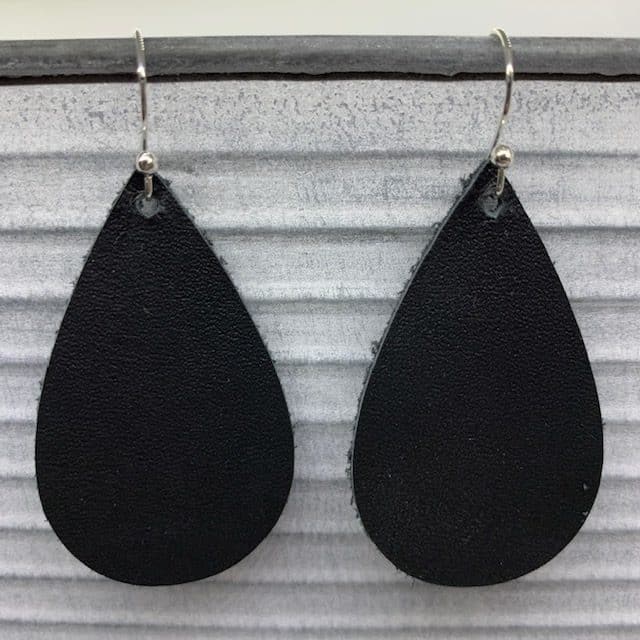
In this post (and YouTube video below), I’ll share how easy it to to cut genuine leather with a Cricut. There are so many great earring designs that are easy to cut on genuine leather, making diy earrings easy.
Disclosure: This page may contain affiliate links. If you purchase through these links, I may earn a commission at no extra cost to you.
Check out my favorite diy earring essentials list on my Amazon storefront here!
Check out my favorite diy earring materials list on my Amazon storefront here!
ADDITIONAL PROJECT PHOTOS
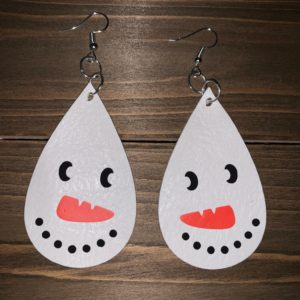
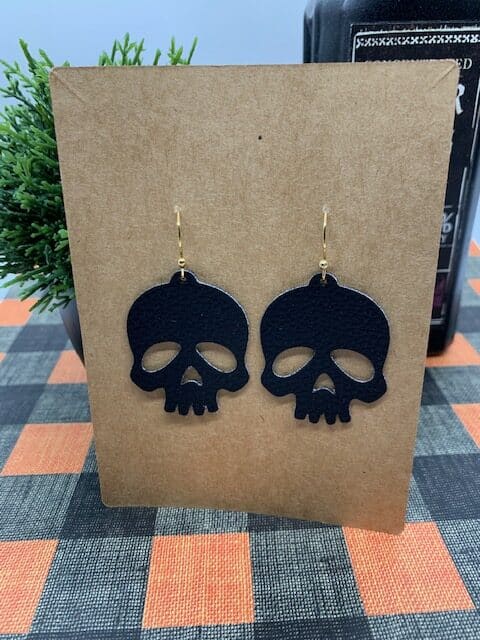
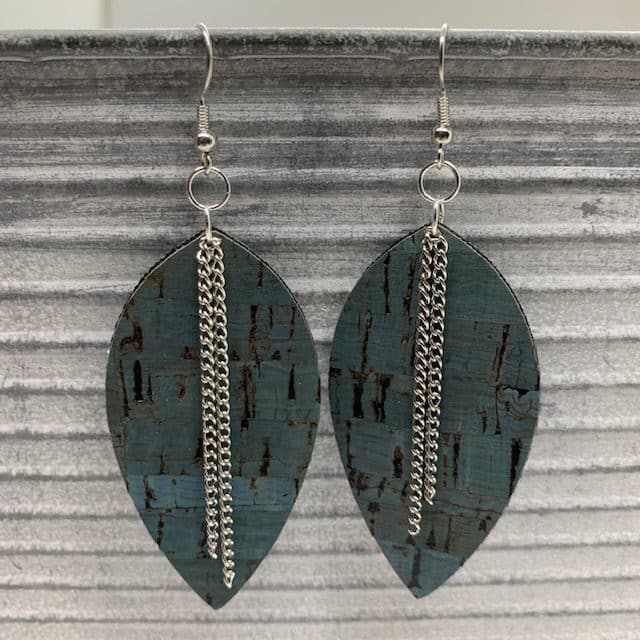
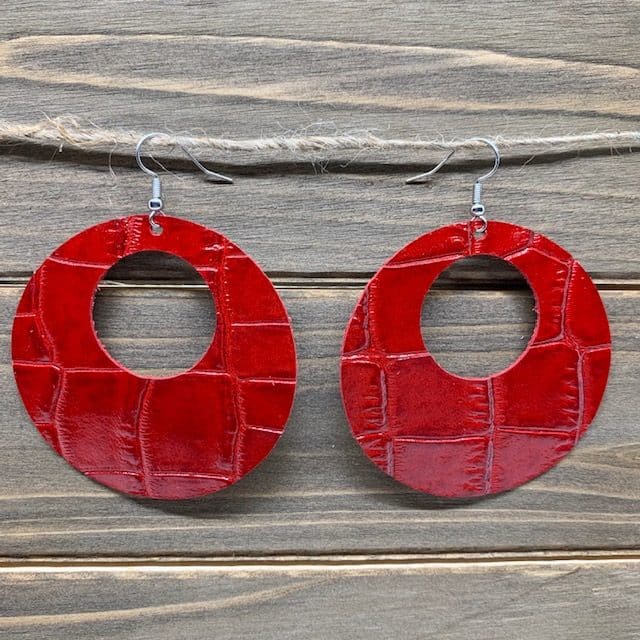
Before sharing the instructions, I’ll share several project photos and links to where I found the genuine leather.
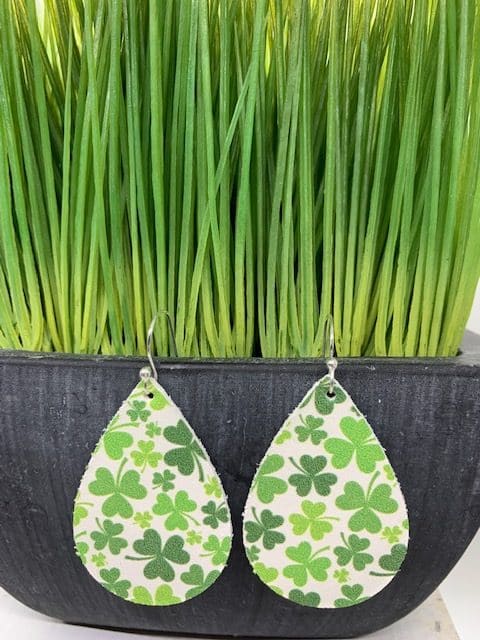
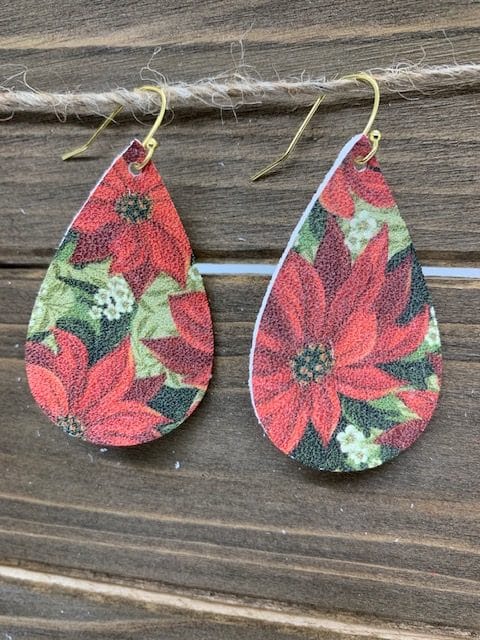
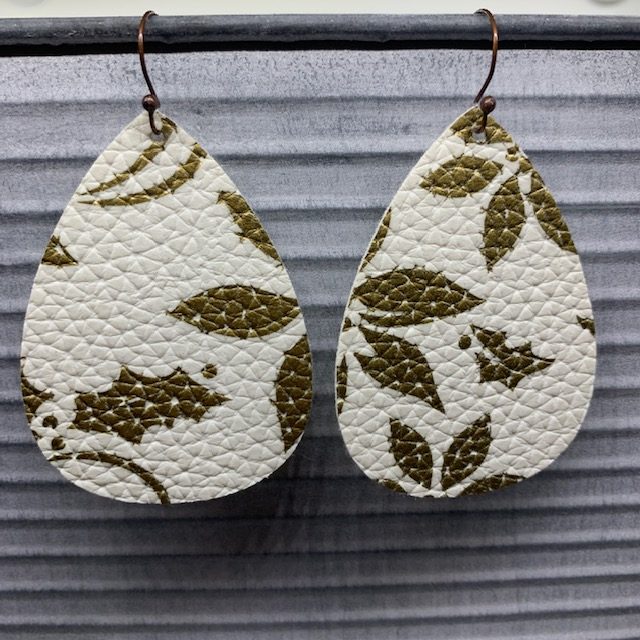
Genuine Leather, Poinsettia – Part of s a scrap kit
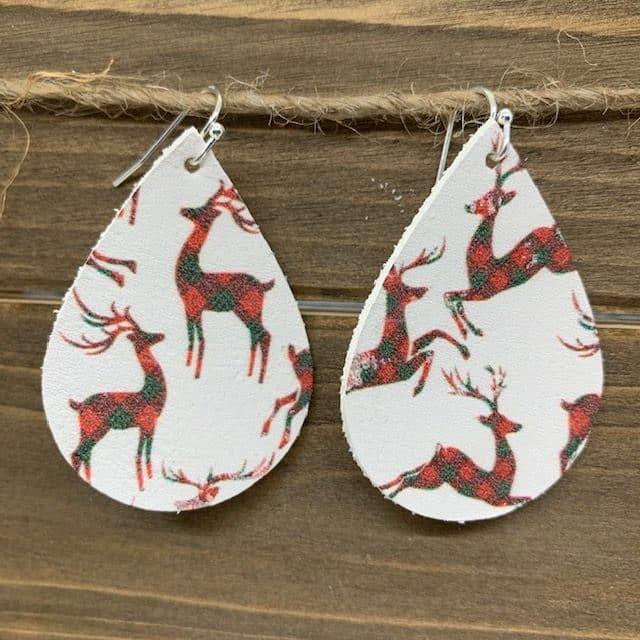
Genuine Leather, Reindeer – part of a holiday leather scrap kit
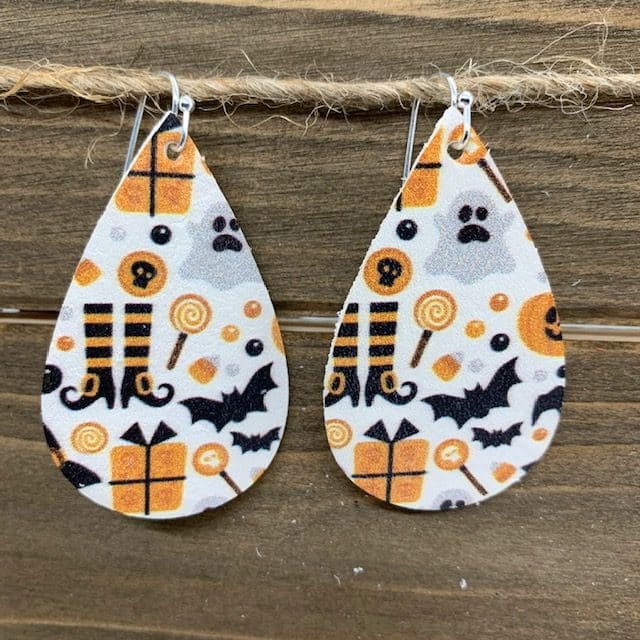
Genuine Leather, Halloween Print
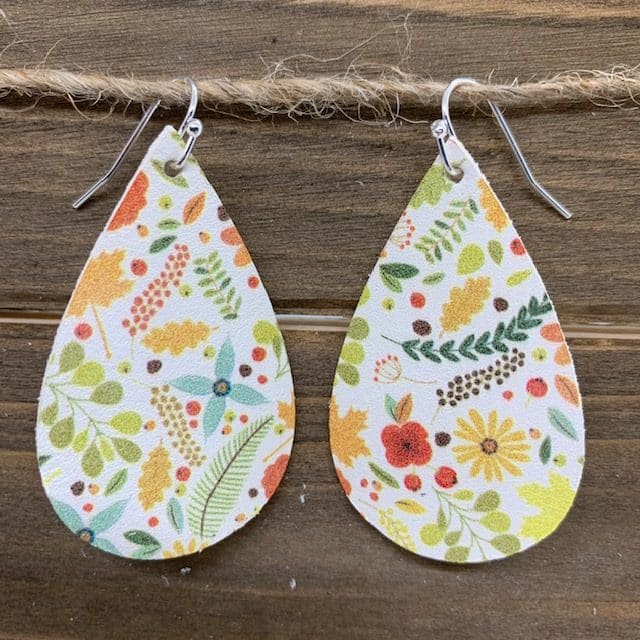
Genuine Leather, Bright Floral – part of a scrap kit
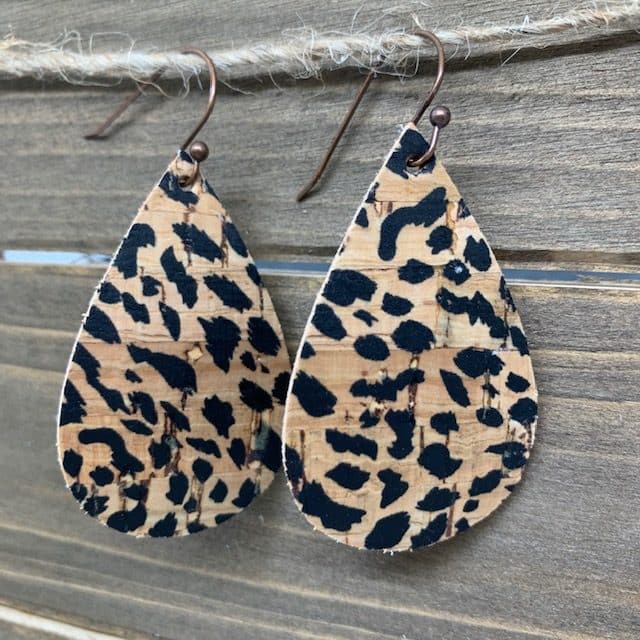
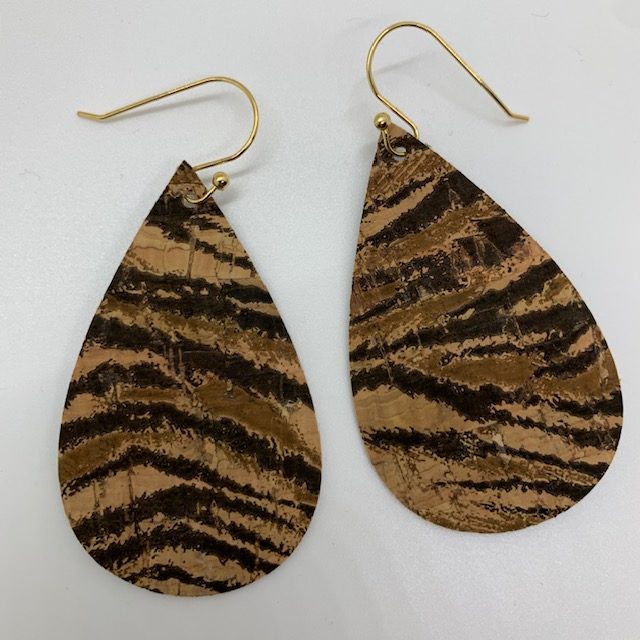
Genuine Leather back With Cork Front, Cheetah
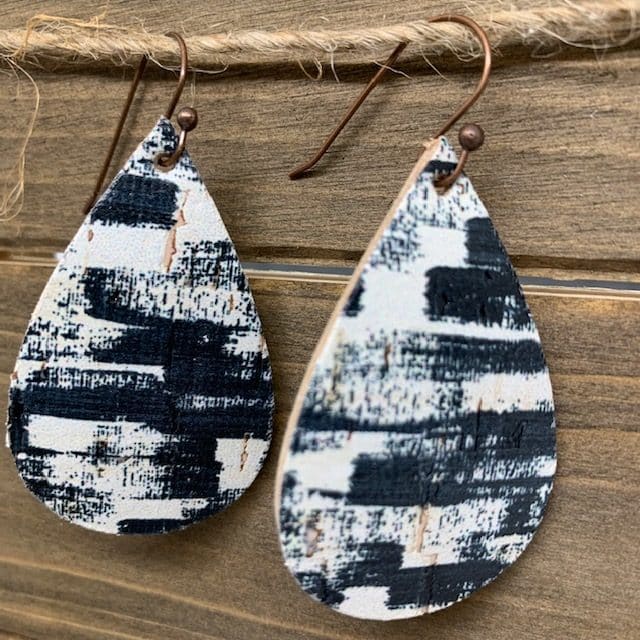
Genuine Leather back with Cork Front, Black and White Design –
Details for cutting genuine leather with a Cricut can be seen in my YouTube video below.
My Favorite Cricut Machine Options


Cutting Tool and Accessory Essentials


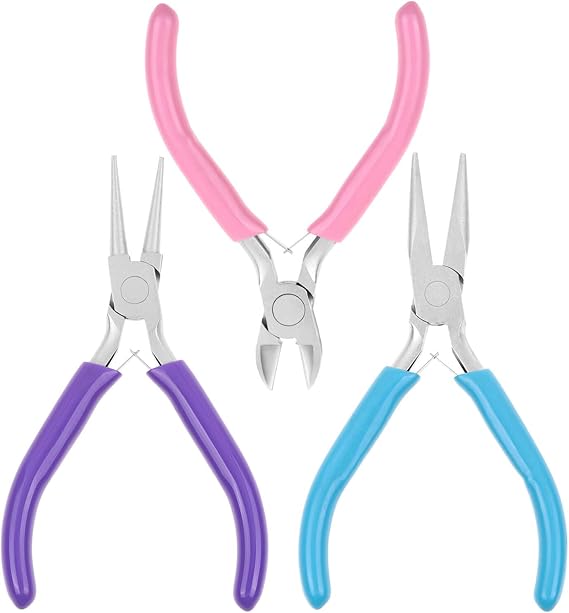
Must Have Earring Tools




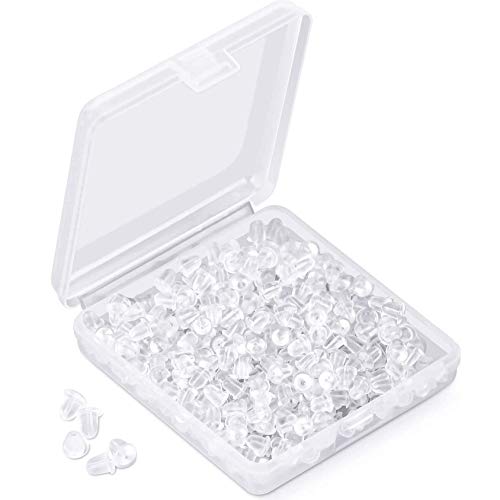
Must-Have Earring Findings

Heat Press Essentials





Heat Transfer Vinyl
I used to only purchase Cricut brand HTV; however, the colors are very limited. I know enjoy the large range of HTV colors available on Amazon. Check them out here.
HOW TO CUT GENUINE LEATHER WITH A CRICUT
Select an earring template and upload it into Cricut Design Space.
You can find many templates for your earrings on Pinterest and Etsy. Many bloggers offer them for free and others are available for sale on the Etsy website.
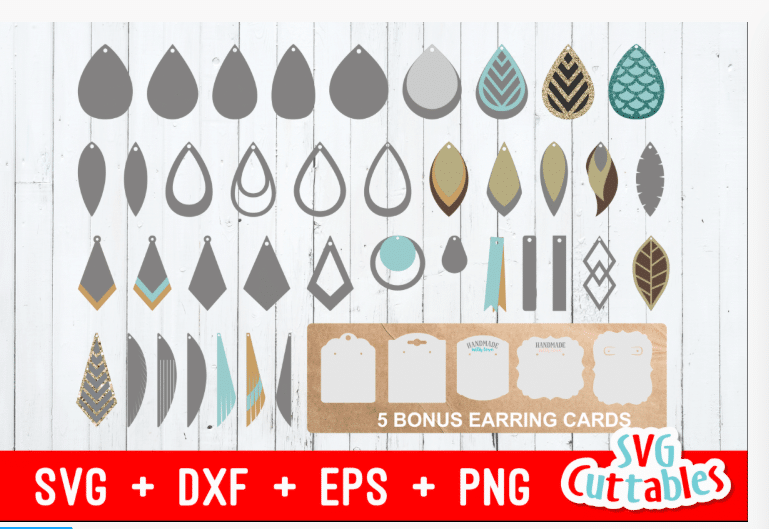
For these genuine leather earrings, I used a file from SVG Cuttables, linked below.
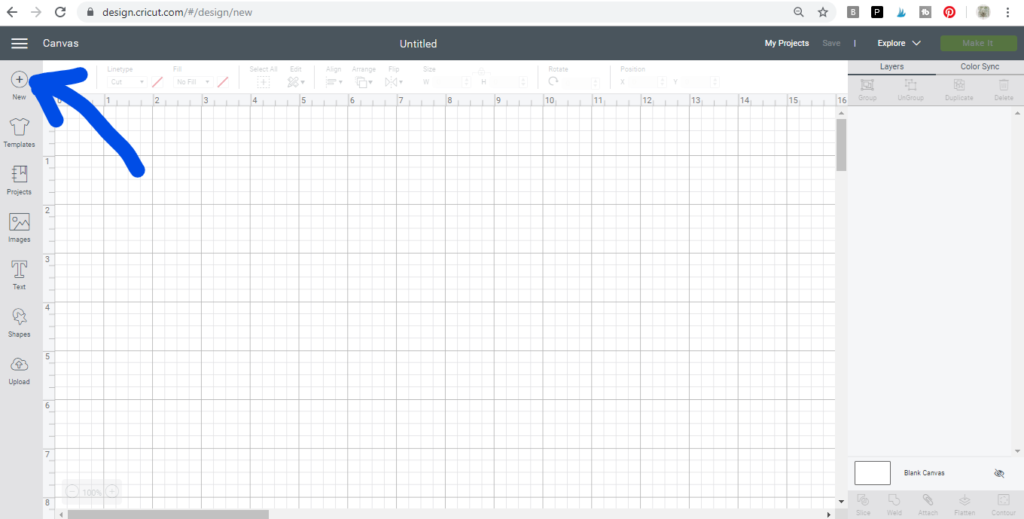
Open Cricut Design Space and start a new project
Start a new project to make your genuine leather earrings by clicking on the + icon.

Upload Image, if not already uploaded
Upload the cut file for this project, by clicking on the upload icon on the left and navigate to the file on your computer.
I always recommend adding tags when uploading new files. Pick words that you would type in if you were looking for the file. This makes it much easier to search for the file when you’re looking for it in the future.
Insert the cut file onto the canvas of your new project.
Click on the Images icon on the left.
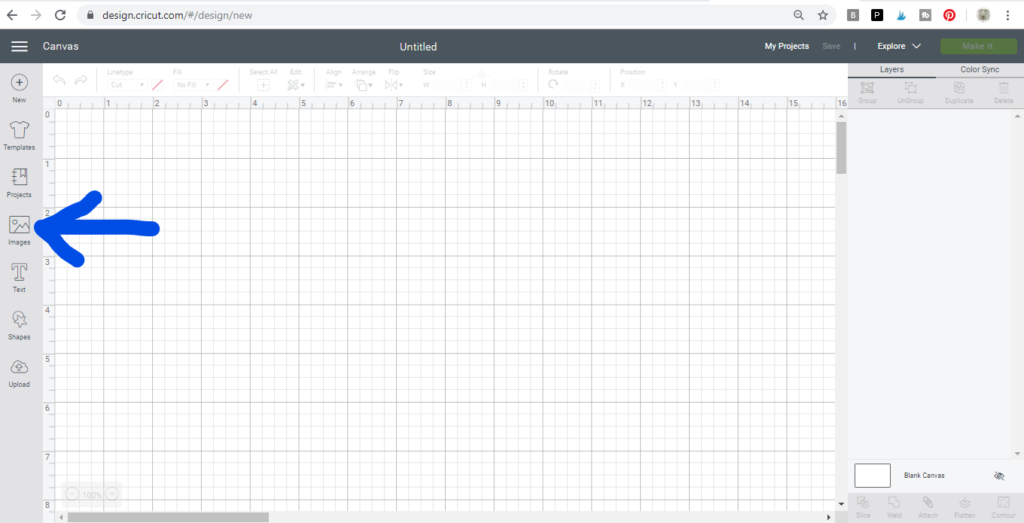
Tip: To easily find my upload files, I usually filter by files that I have uploaded. Click on the Filter option.
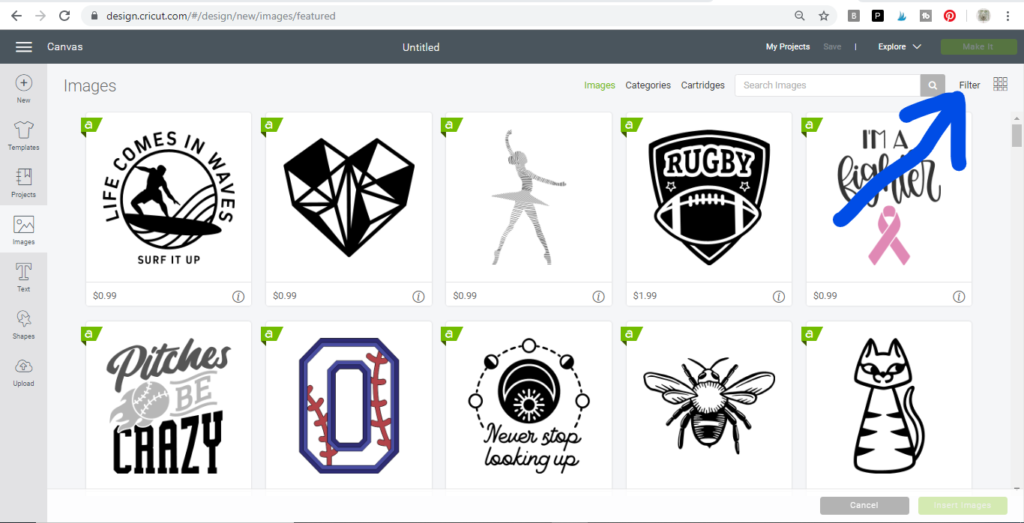
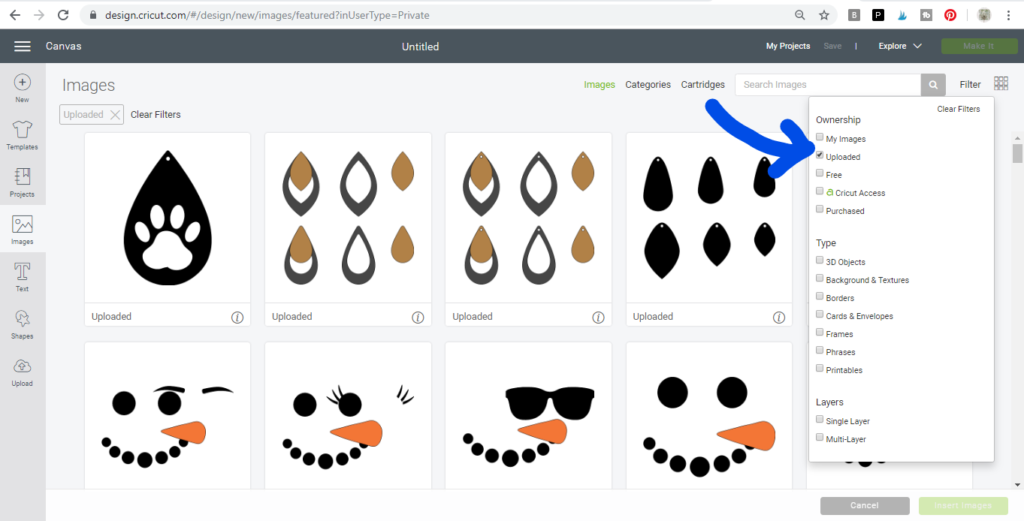
Click on “Uploaded.”
Select the cut file you want to use. It will have a green box around it when selected. Then, click on the Insert Image button in lower, right-hand corner.
Once you’ve inserted the image onto the canvas, you can see the dimensions of the file you’ve inserted in the height and width field.
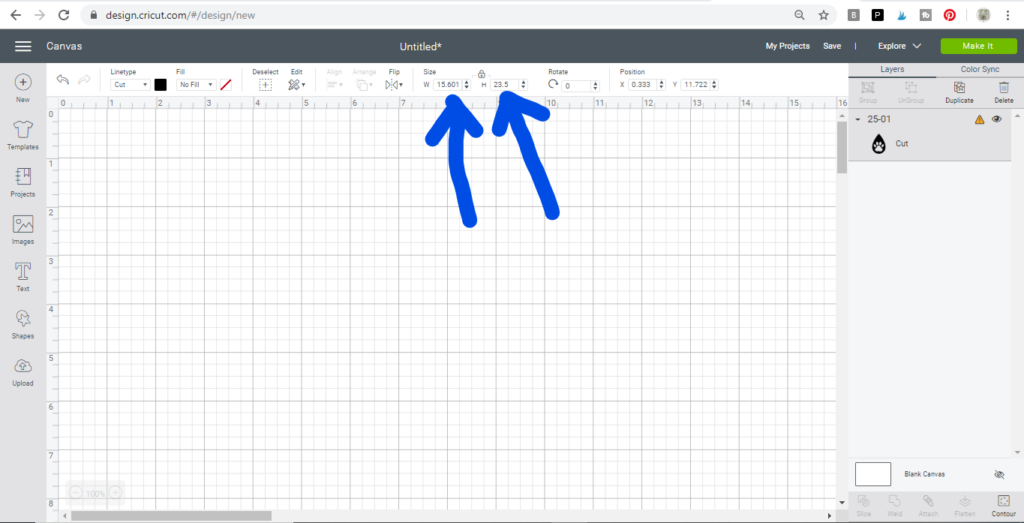
Re-size the diy faux leather earrings, if needed.
It is often necessary to re-size earrings when the file is added to the canvas. An earring size is a personal preference, but here are some general dimensions.
- Small teardrops – 1 3/4 inches
- Large teardrops – 2 1/2 inches
- Medium leaf – 2 1/4 inches
- Large leaf – 2 1/2 inches
You’ll want to decide the height of your earring based on personal preference.
Duplicate images, as needed
Now it’s time to duplicate your images. Click a teardrop and then click Duplicate in the upper right-hand corner to make your second earring.
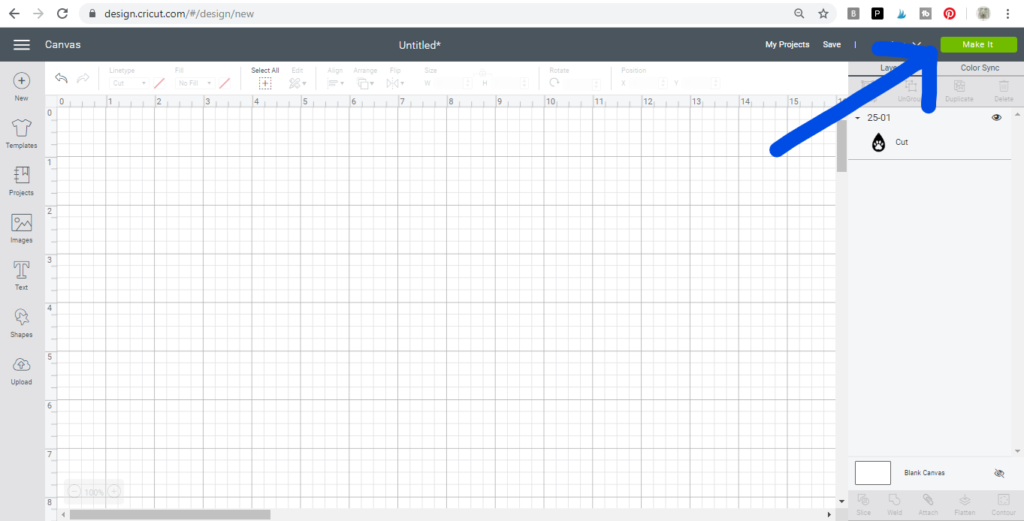
MAKE IT
Once your mat has all the earring components ready to cut for your earring components, click on the Make It button to cut your genuine leather earrings
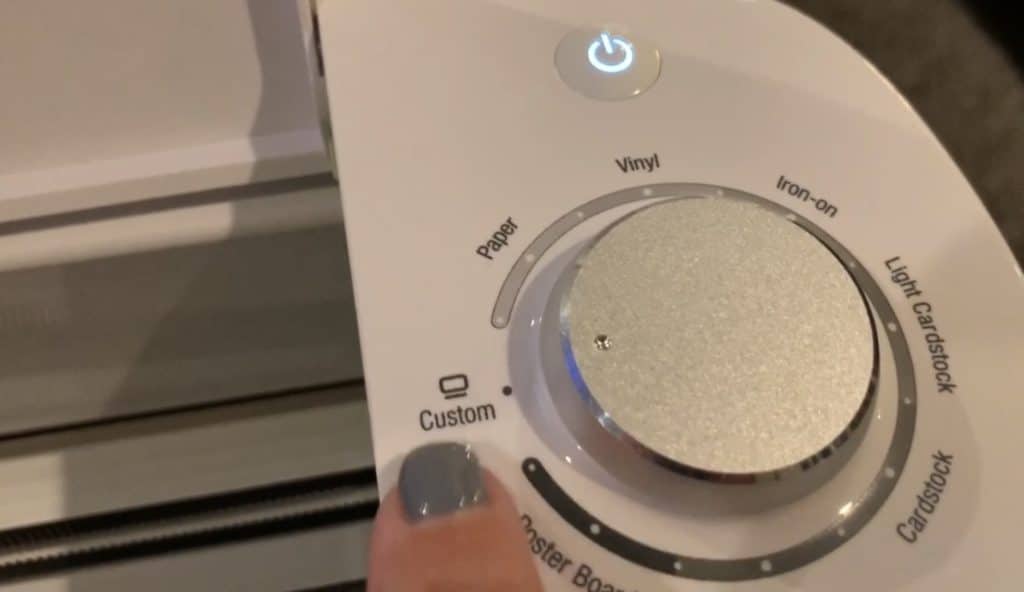
Set the Cricut machine on the right setting.
Turn your dial on your Cricut Explore to Custom. This lets you look at the long list of materials.
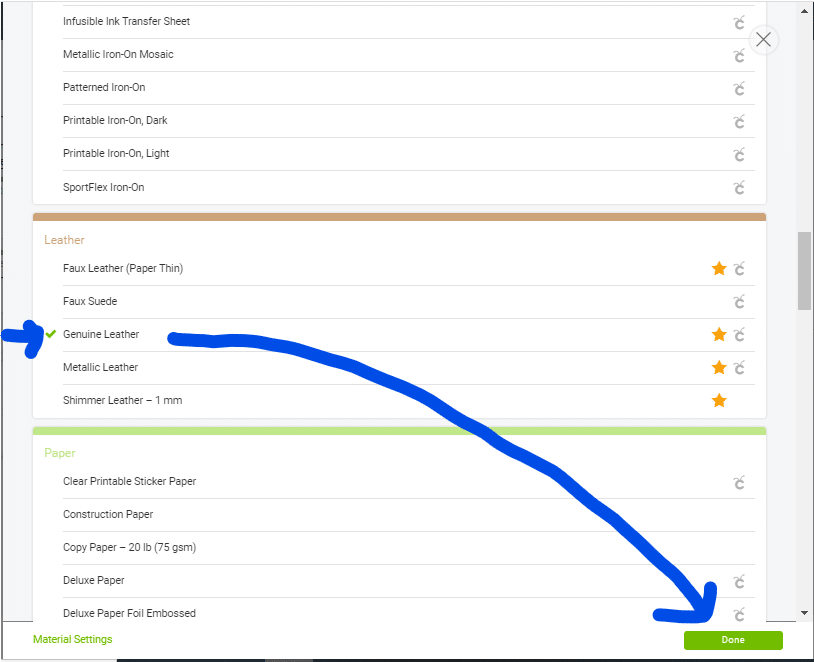
Click on the Browse All Materials link to see the menu of materials options on your Cricut.
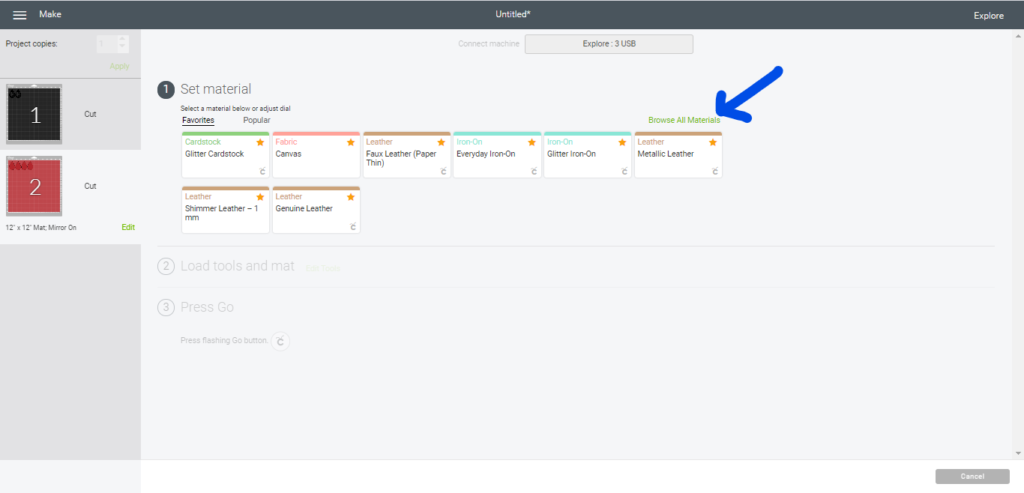
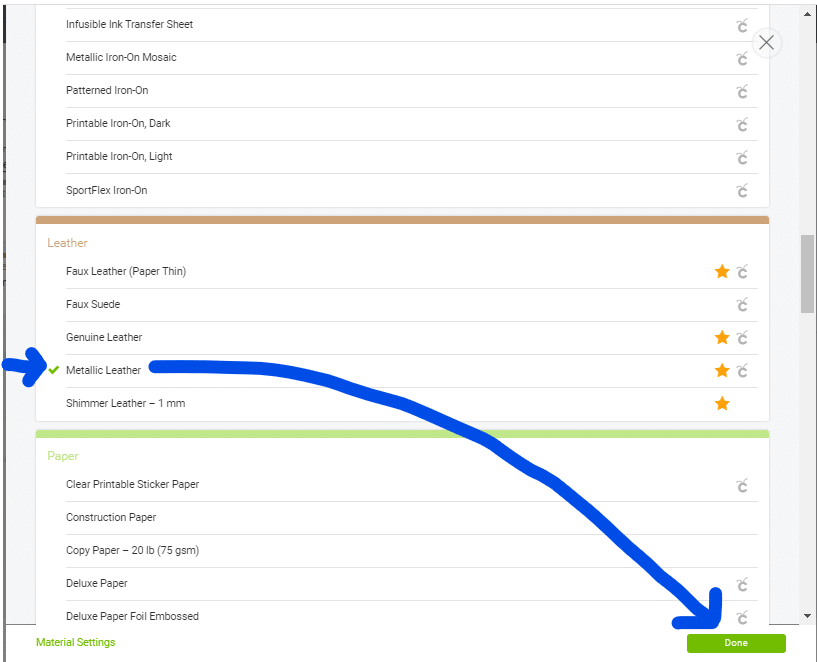
Select the Genuine Leather option. If you’re using Metallic Leather, be sure to select that option.
Move the star wheels.
The Cricut machine has star wheels to keep materials from shifting during cutting. However, when cutting thicker materials, the star wheels can leave track marks. When you select a material from the browse menu that is thicker, the Cricut machine will prompt you to move the star wheels to the right.
Push the wheels to the right. They may be on there tight so put some strength behind it.

Make sure you’re using the right blade.
You can cut faux leather, faux suede, cork, and leather on the Cricut Explore and Cricut Maker. When cutting Cricut’s faux leather and faux suede, you can use the Cricut standard fine point blade.
However, in this project, I’m cutting genuine leather so I need to change my blade to the Cricut deep blade. Watch my video above to see how easy it is.
Place your material on the cutting mat(s).
Put the leather onto the mat face down.
Exception: If you are using leather that is printed on the front (like in the projects shown above, it is best to put them onto the mat with the design facing up. Otherwise, the print may pull off. Be sure to put strong grip transfer paper onto your mat (sticky side up so that your leather sticks to it) to keep it from getting destroyed by all of the leather fibers.
You must use a purple StrongGrip mat (linked above).
Also, I like to determine how much of the material will be cut. Typically, it is less than 3″ of material, meaning only about 3″ of the mat needs to be exposed. I then place my plastic Cricut mat cover back onto my mat about 3″ down from the top of the cutting area. I do this so that I don’t put the material on top of the mat where I’m not cutting it. This keeps me from losing the stickiness on my mat. I don’t like to pre-cut my material because I want minimize waste of the material.
Once I place my plastic on top of the mat, I put the material onto the mat, face down (good side down).
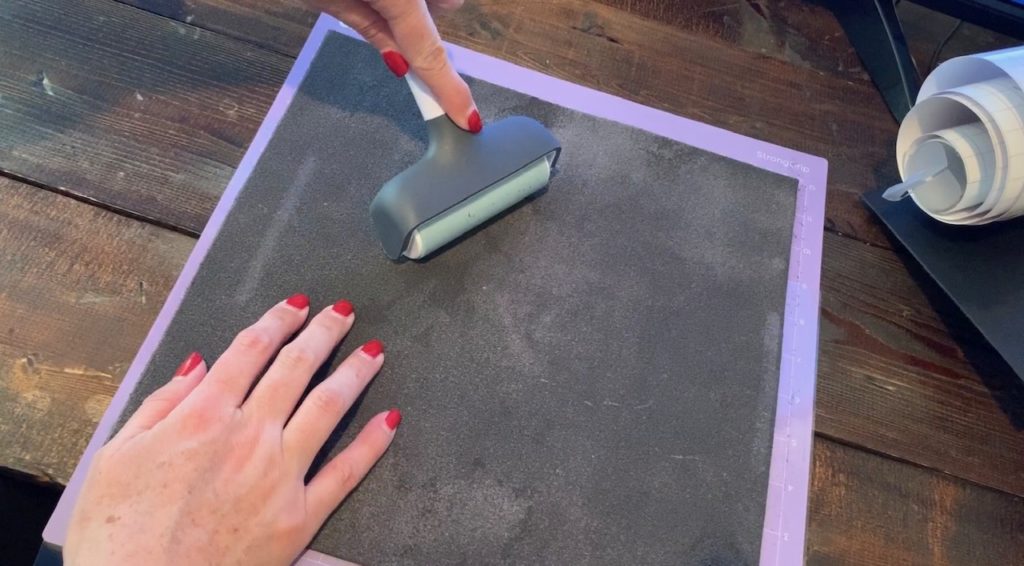
After placing the material on the mat, you can use a Cricut Brayer roller to press it nicely onto your mat. Now it’s time to cut genuine leather with a Cricut.
Trim any felt, fuzz, or glue from the earrings.
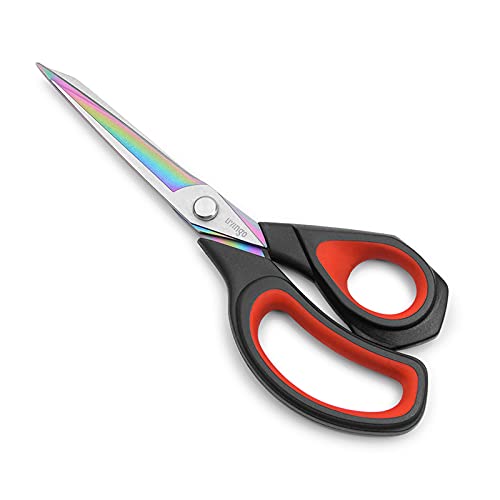
Using a pair of sharp scissors, trim fuzz from around the earrings. Be very careful not to cut any of the earring, you’re only cutting the flyaways off of the earring.
When I cut genuine leather, I smooth the leather around the edges. It works so great to manage the flyaways. I just use a toothpick to put it on (see the video for details).
Place a hole in the top of the earring.
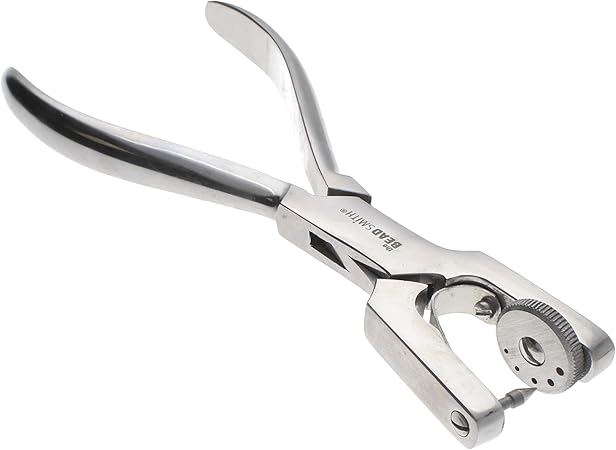
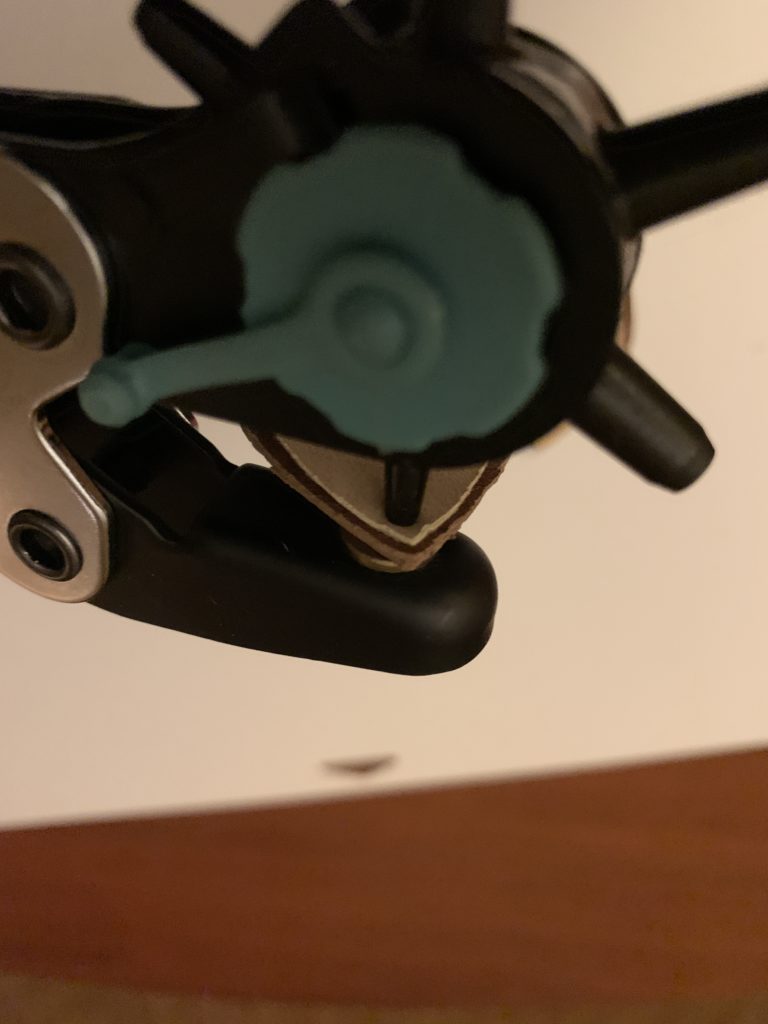
I use a leather punch to put the holes in my diy faux leather earrings.
Below you’ll see a picture of me using the leather hole punch on a different project.
Easy Earring Hooks
I use these wires with balls on the end a lot when I make leather earrings. The leather is thick and won’t come off of the balls easily. There are a lot options in colors of these wires.
And that’s it! It’s easy to cut genuine leather with a Cricut! Good luck with your project.
If you enjoy making diy faux leather earrings, check out my other posts below.
Everyday Earrings DIY
- Leather Bar Earrings DIY
- How to Emboss Leather Earrings
- DIY Angled Fringe Earrings
- Leather Circle Earrings
- DIY Fringe Leaf-Shaped Earrings
- Cross leather earrings
- FRI-YAY Leather Earring DIY
- Leather Bar Earrings DIY (with metal charm)
- How to Make Genuine Leather Earrings
- Statement Earrings
- Teardrop Cork Earrings
- Hollow Faux Leather Earrings – Teardrop and Leaf Shaped
- Faux Leather Tall Stacked Earrings
- Faux Leather Circle Earrings
- Split Teardrop Faux Leather Earrings
- Faux Leather Stacked Marquise Earrings
- Stacked, wavy earrings – KSU
- Faux leather leaf cutout earrings
- Faux Leather earrings with fringe
- Faux Leather Teardrop Earrings
- Faux Leather Bar Earrings
- Faux Leather Leaf Earrings
Sports
- Football Earrings – Teardrop with football cut out
- Stacked Football earrings
- Chiefs Football Teardrop Earrings
- Chiefs Heart Teardrop Earrings
- Chiefs Arrowhead Earrings
- Chiefs Arrowhead on Teardrop Earrings
My Favorite Leather
My Favorite Faux Leather
Valentine’s Day Earrings
- 40 Great Valentine’s Day DIY Earrings
- LOVE Leather Earrings DIY
- Valentine’s Day earrings DIY (heart shape)
- Heart Earrings DIY (Iron On)
- Heart Earrings DIY (with heart cutout)
- DIY Valentine’s Day Earrings
St. Patrick’s Day Earrings
Winter-Themed Earrings DIY
- Snowflake Cutout Teardrop Faux Leather Earrings
- Snowman Leather Iron On Earrings
- Buffalo Check Snowman Cutout Earrings
Christmas -Themed Earrings DIY