Circle Faux Leather Earrings
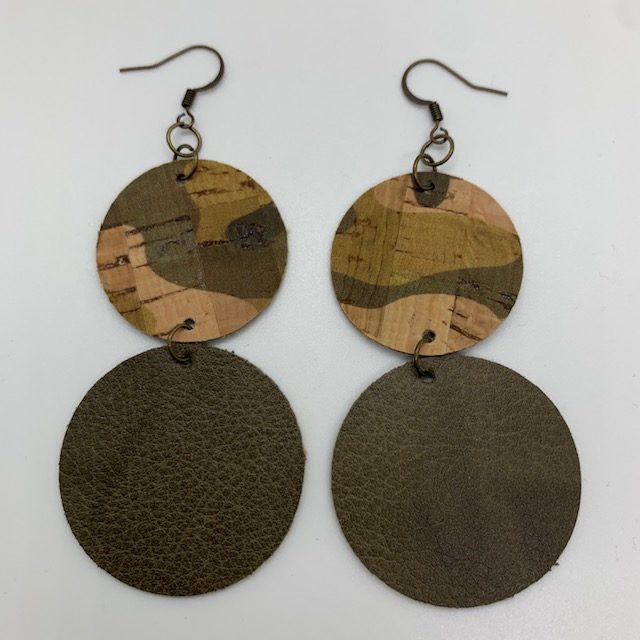
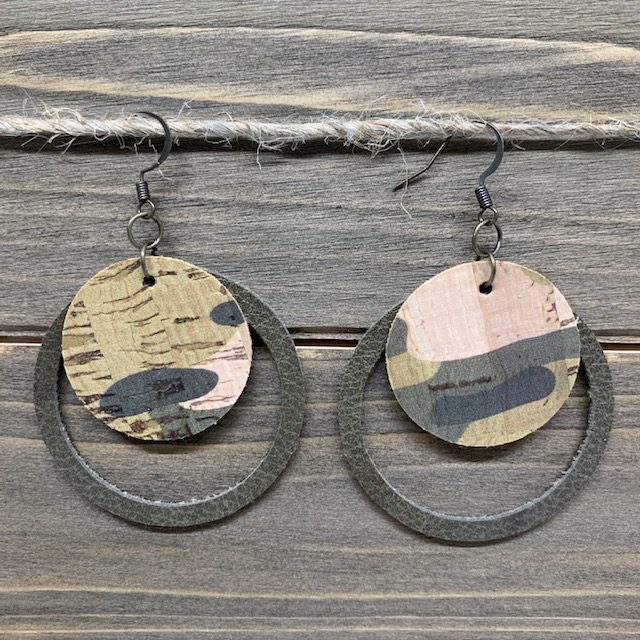
These stacked circle earrings feature both faux leather and cork materials.
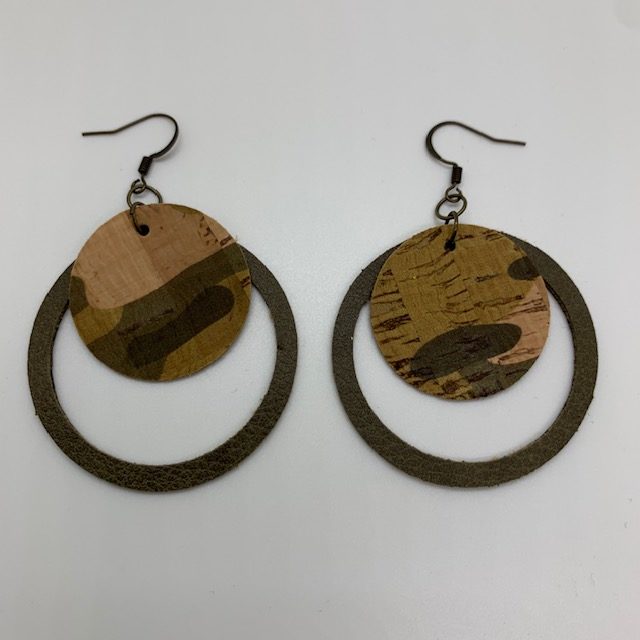
These circle faux leather earrings are easy to make and offer an added bonus – the cut out from the outer circle can be used for an easy 2nd earring (shown below)! This post shares how to make both sets of earrings.
Disclosure: This page may contain affiliate links. If you purchase through these links, I may earn a commission at no extra cost to you.
And… scroll to the very bottom to see additional photos of this earring made with different materials and patterns.
Check out my favorite diy earring essentials list on my Amazon storefront here!
Check out my favorite diy earring materials list on my Amazon storefront here!
Details for making these circle faux leather earrings can be seen in my YouTube video below.
My Favorite Cricut Machine Options


Cutting Tool and Accessory Essentials


Must Have Earring Tools




Must-Have Earring Findings

Heat Press Essentials





Heat Transfer Vinyl
I used to only purchase Cricut brand HTV; however, the colors are very limited. I know enjoy the large range of HTV colors available on Amazon. Check them out here.
HOW TO MAKE DIY EARRINGS
Select an earring template and upload it into Cricut Design Space.
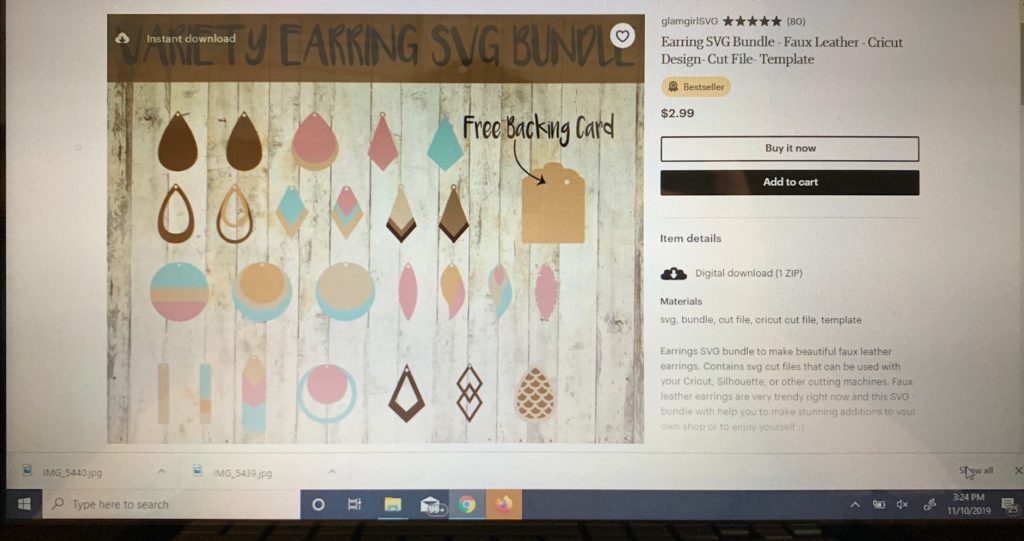
You can find many templates for your earrings on Pinterest and Etsy. Many bloggers offer them for free and others are available for sale on the Etsy website.
For these circle faux leather earrings, I used the following SVG cut file from GlamGirlsSVG, which is no longer available.
- I found a similar file here. I love this website for SVG files!
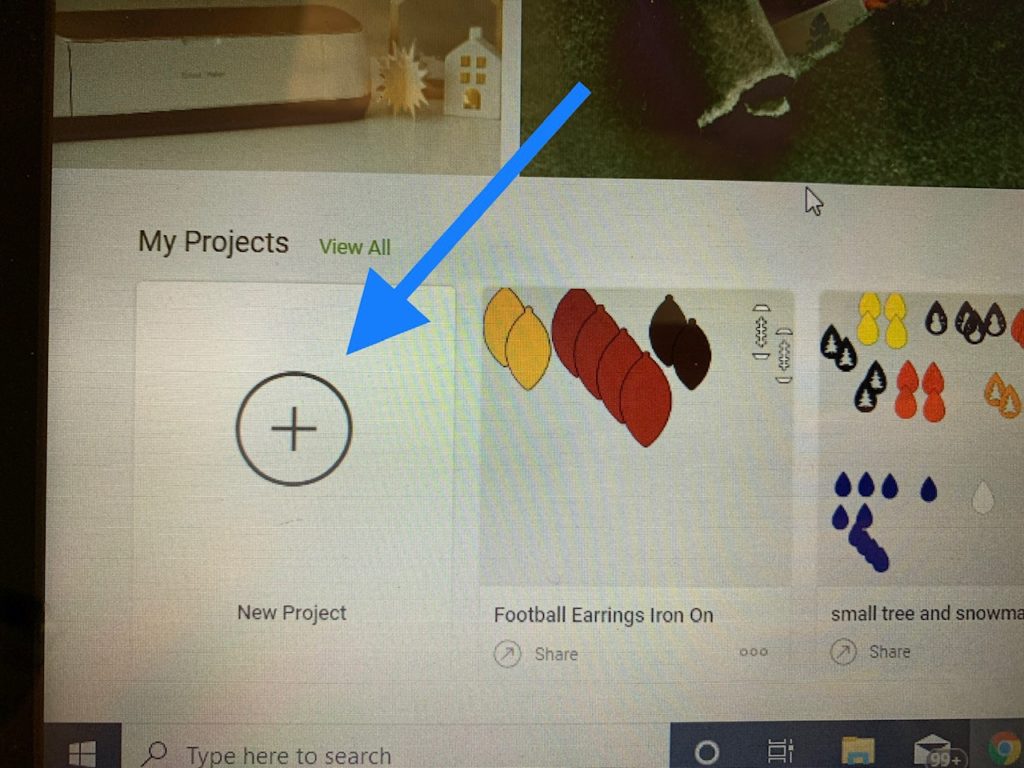
Open Cricut Design Space and start a new project
Start a new project to make your circle faux leather earrings by clicking on the + icon.
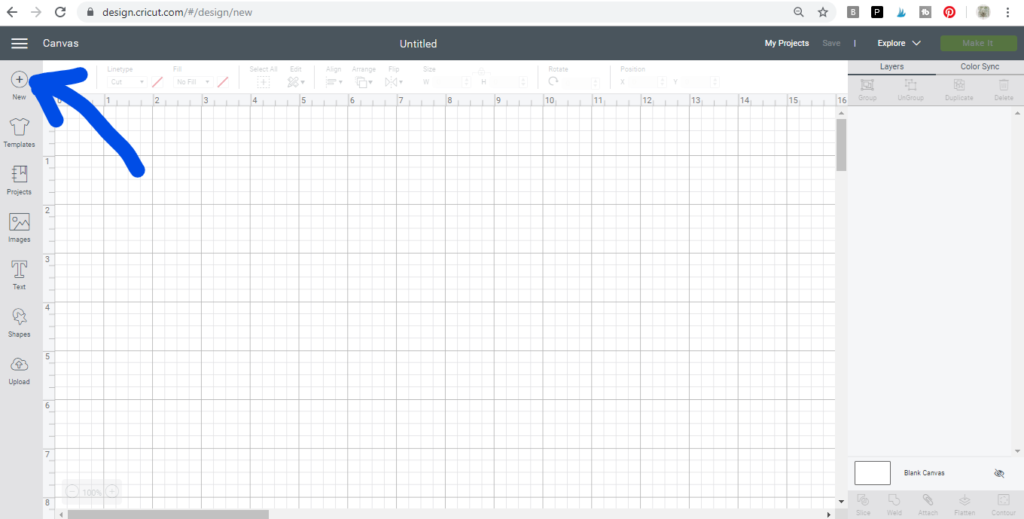
Upload Image, if not already uploaded
Upload the cut file for this project, by clicking on the upload icon on the left and navigate to the file on your computer.
I always recommend adding tags when uploading new files. Pick word that you would type in if you were looking for the file. This makes it much easier when you’re looking for the file in the future.
Insert the cut file onto the canvas of your new project.
Click on the Images icon on the left.
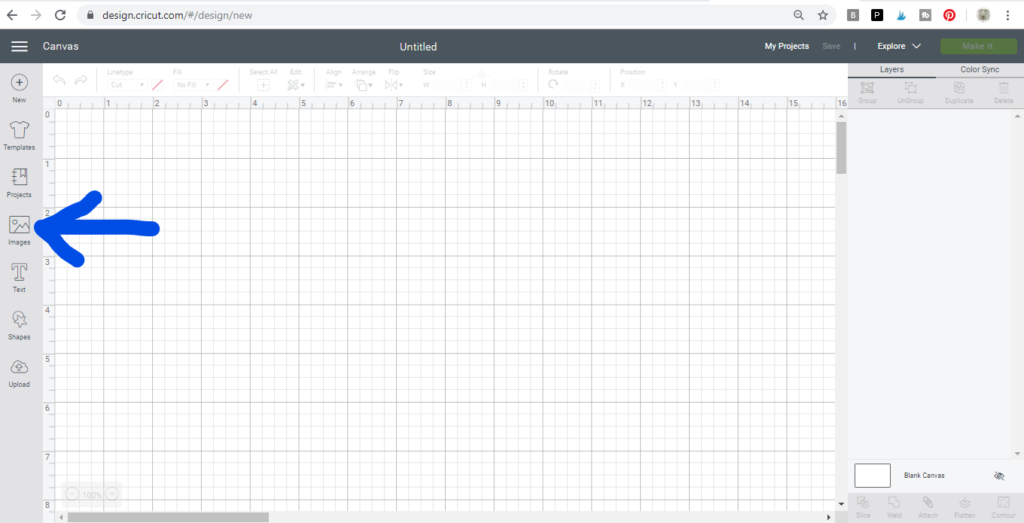
Tip: To easily find my upload files, I usually filter by files that I have uploaded. Click on the Filter option.
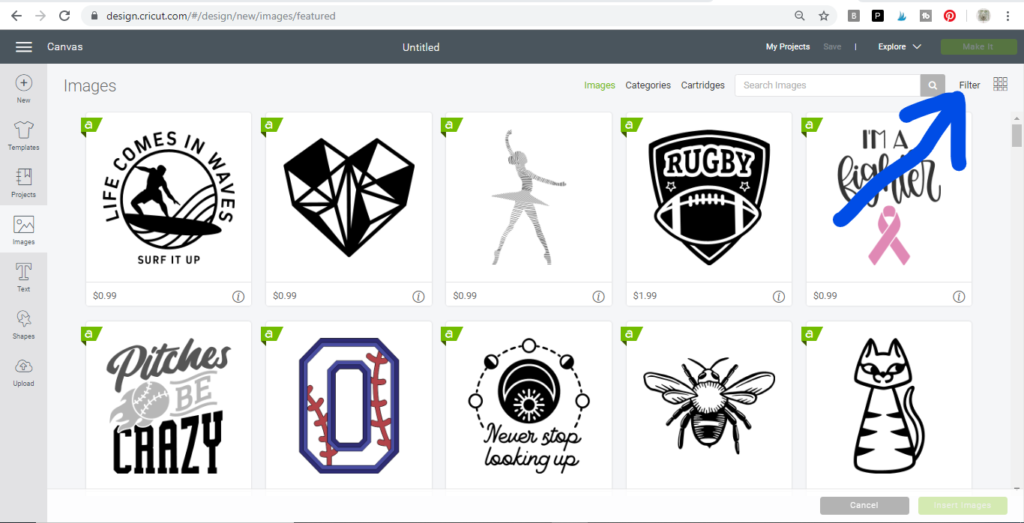
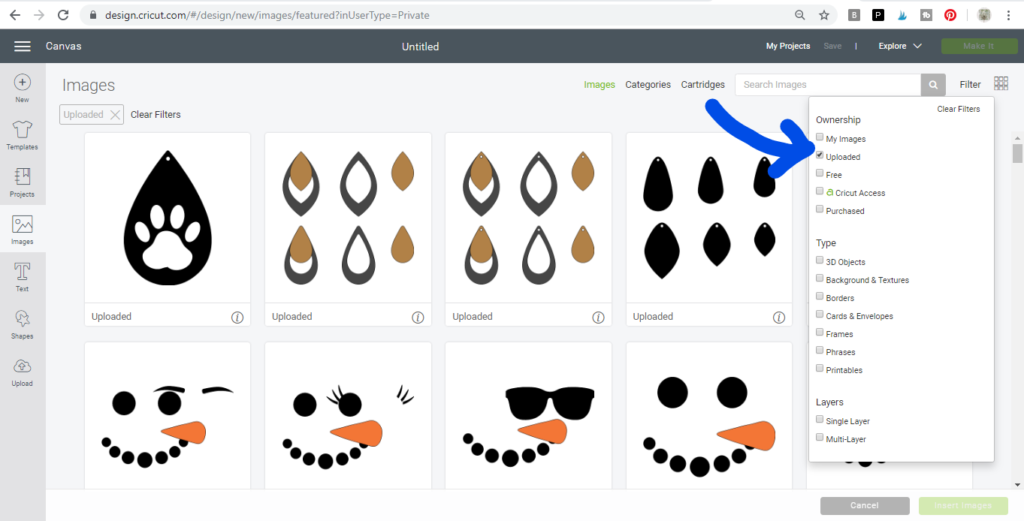
Click on “Uploaded.”
Select the cut file you want to use. It will have a green box around it when selected. Then, click on the insert image button in lower, right-hand corner.
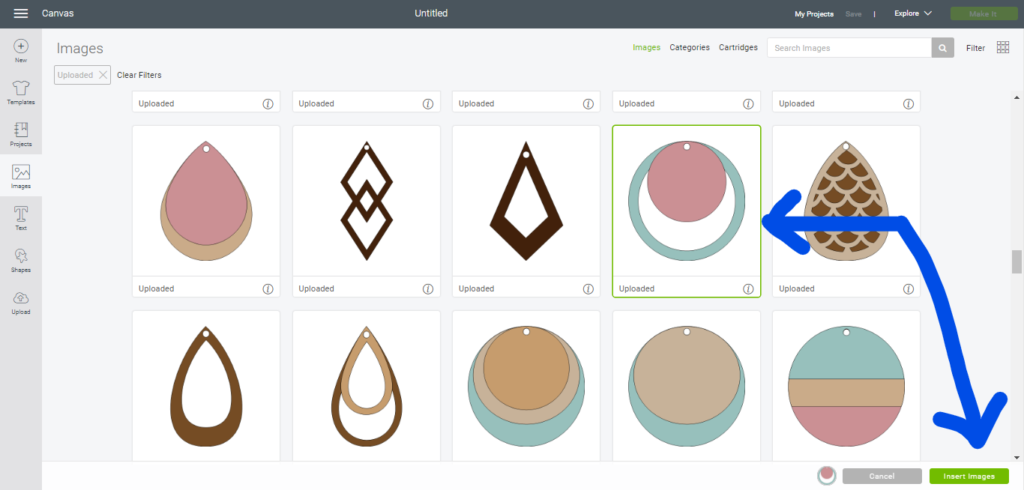
Once you’ve inserted the image onto the canvas, you can see the dimensions of the file you’ve inserted in the height and width field.
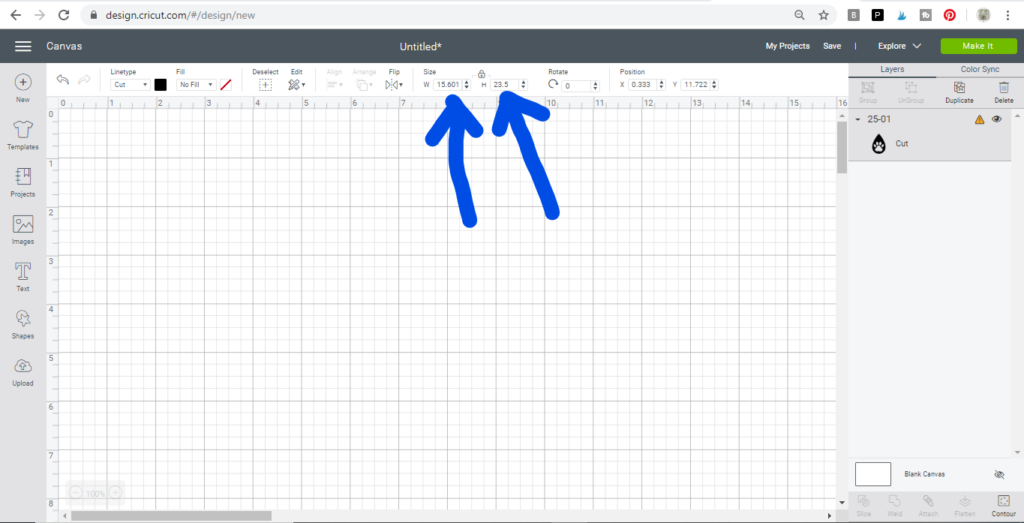
This is what the file for our the circle diy earrings looks like when added to the Cricut canvas. It is about 2.5″ tall.
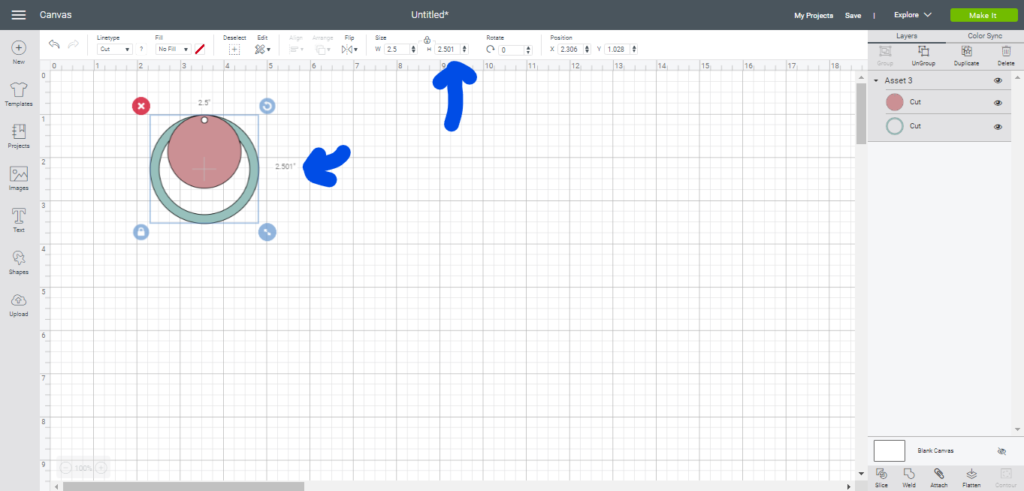
Re-size the diy faux leather earrings, if needed.
It is often necessary to re-size earrings when the file is added to the canvas. An earring size is a personal preference, but here are some general dimensions.
- Small teardrops – 1 3/4 inches
- Large teardrops – 2 1/2 inches
- Medium leaf – 2 1/4 inches
- Large leaf – 2 1/2 inches
You’ll want to decide the height of your earring based on personal preference.
For this project, I created an earring with a 1.8″ height. You can modify that number if you want your earrings bigger or smaller.
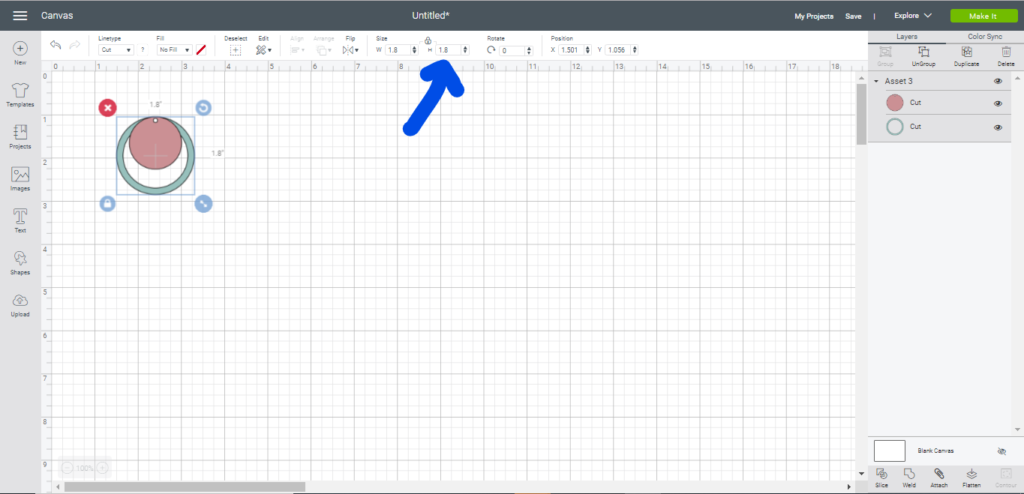
Change earring components to the right color.
Changing the images to the right color keeps things clear when you’re putting different materials and colors through the cutting machine.
The earring components in this file are grouped together so you’ll need to Ungroup the image before you can change the color. To do this, click on the image and then click the Ungroup button.
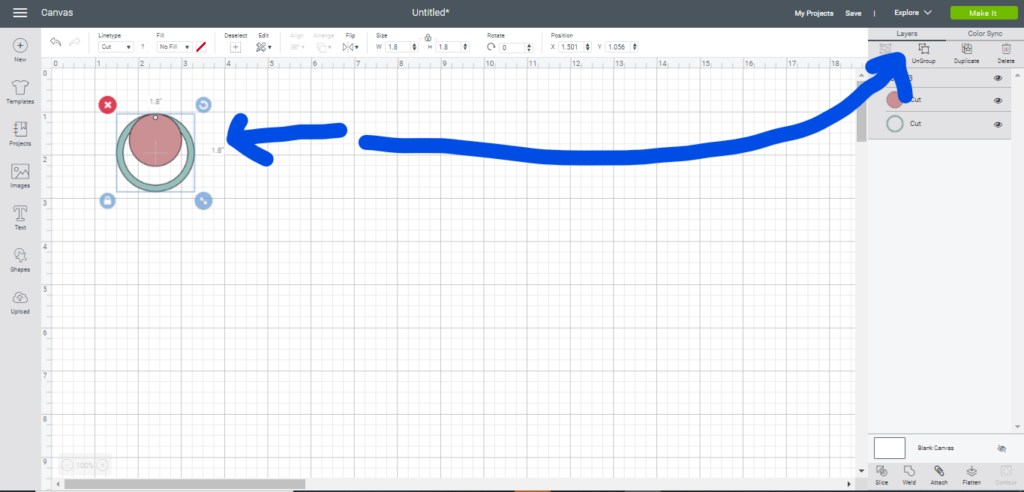
Then click on each component and select the color you’ll be using for that component.
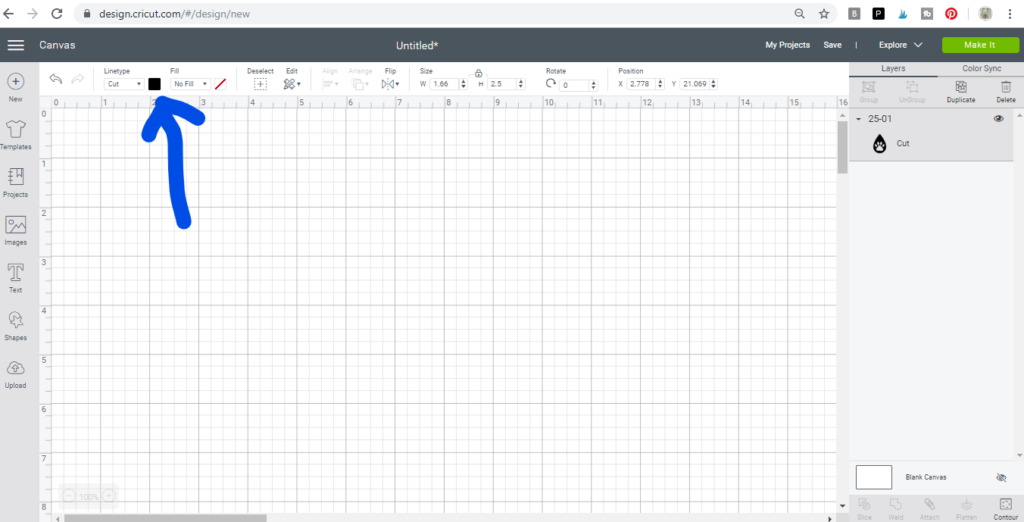
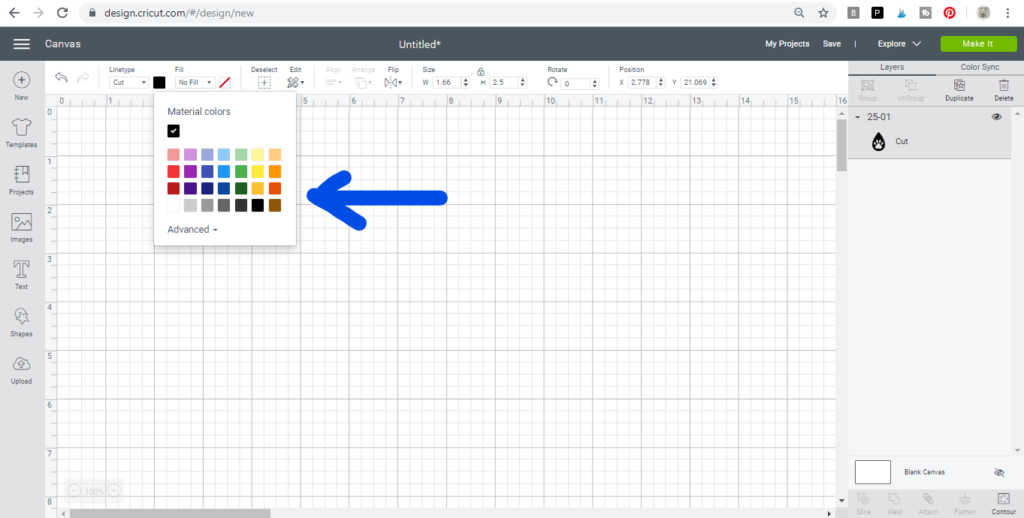
I made my hollow circle a black color and changed my small circle to red. These don’t actually reflect the colors used for this project. I used an olive green and a camo cork.
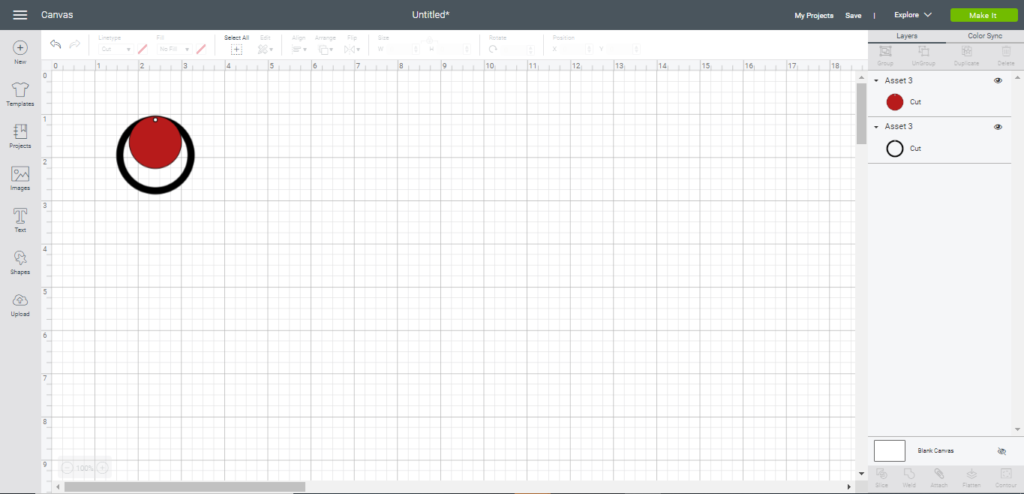
Decide if you want to delete the holes
Decide if you want to eliminate the holes. If you do, Ungroup the image. Then, click on one of the images and then click on the Contour button in the lower right-hand corner.
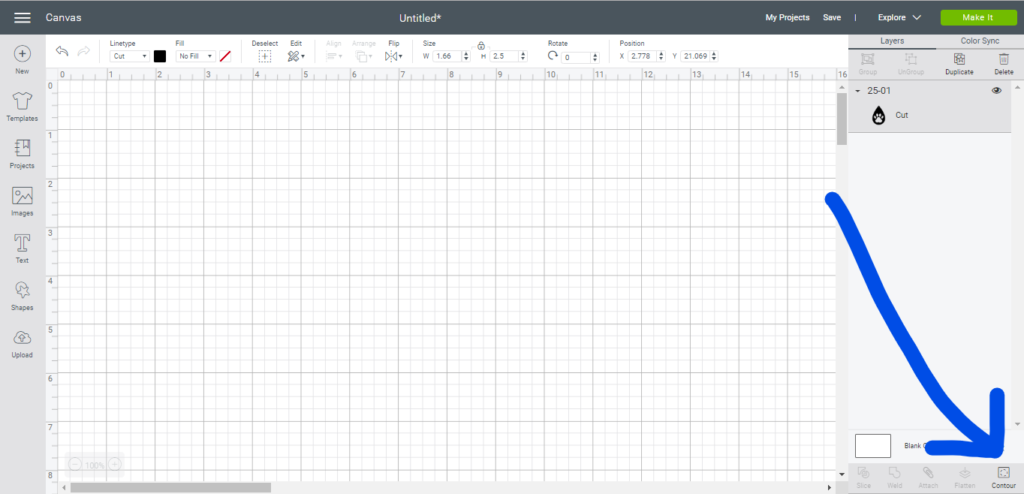
Then click the small circle button (the smallest circle represents the hole) and then click the X to close out. Repeat this step for the second earring component. Watch the video if you need more instructions for using Contour.
Duplicate images, as needed
Now it’s time to duplicate your images.
Click on each earring element and click duplicate.
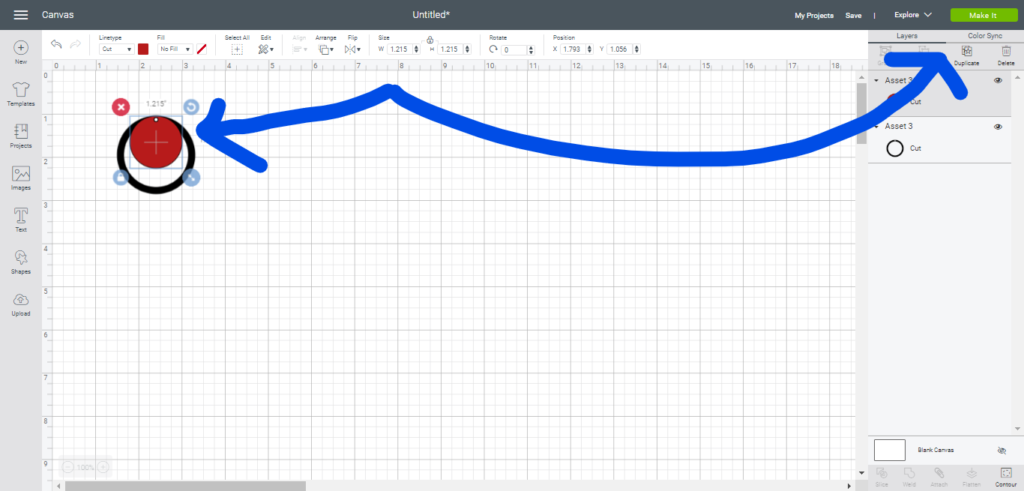
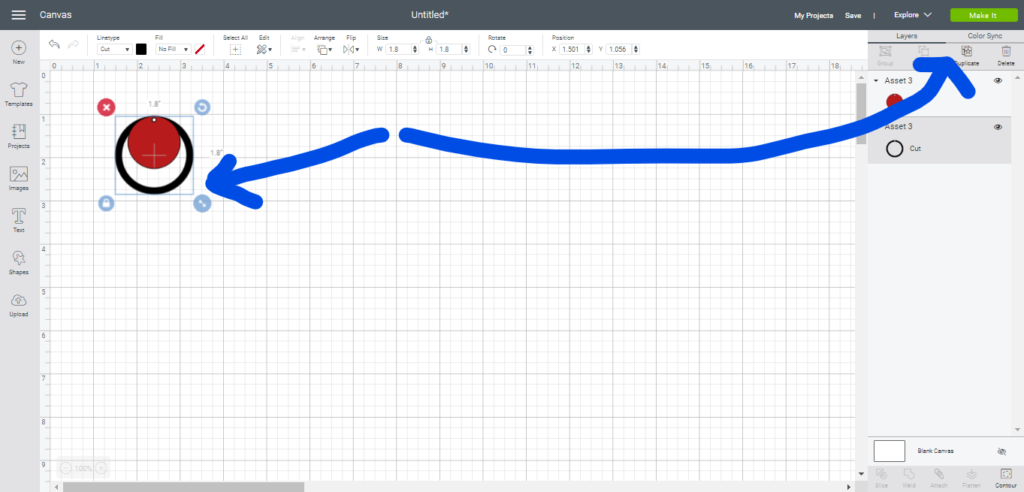
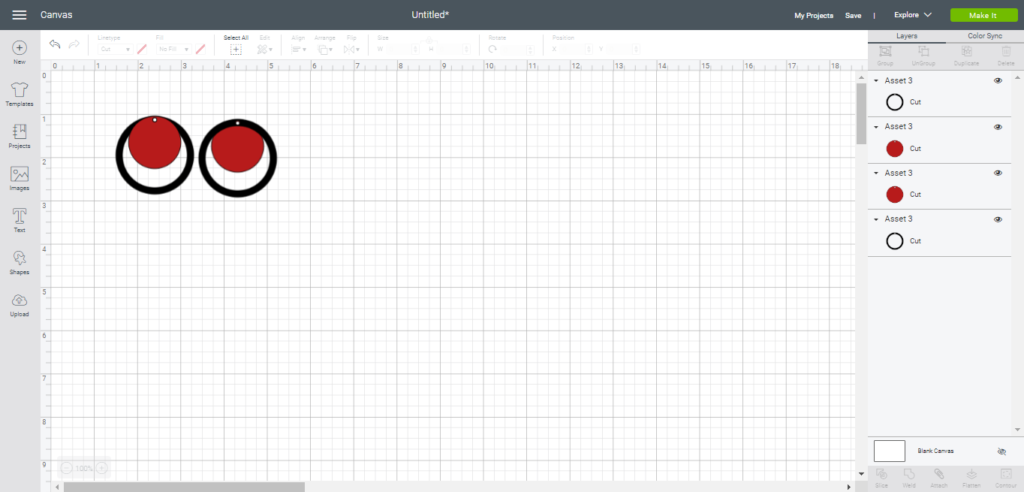
If you want to make the second set of earrings shown above, you’ll need a second set of the small circles. Just duplicate two more of them. That isn’t shown in my photo because I cut mine after the fact since I had the idea later.
DECIDE ABOUT EARRING BACK
The back of many faux leather and cork materials is felt or knit. Lately I’ve been ironing on black vinyl to the back of my earrings. I like that it gives it a more finished look than felt or knit. Decide if you want to cover the back of your earrings by ironing on black vinyl iron .
Another option for the backing is to cut a second set of the earrings and glue them back to back. I use two approaches to do this. One is to use a fabric glue (I use Crafters Pick). Another approach is to use Heat n Bond to attach the two earring pieces together. Check out HOW to create double sided faux leather or double sided cork in this post.
For this project, I’ll share information on how to iron on the vinyl. Watch the YouTube video linked above for details.
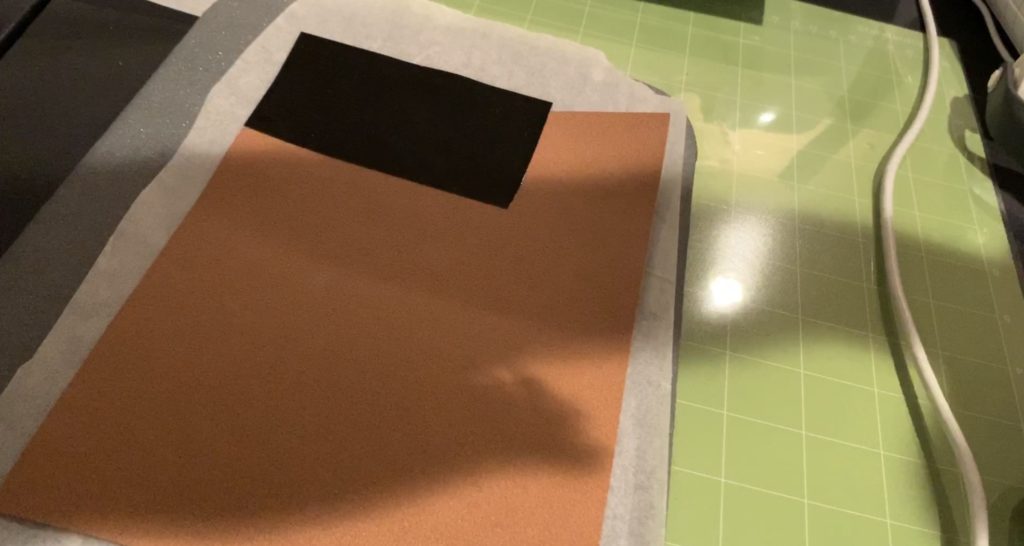
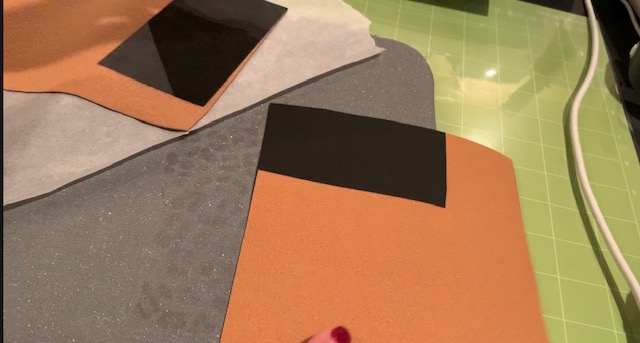
You’ll notice in the photo below that I cut a piece of heat transfer vinyl that was just a little bit larger than the earring components that I was cutting. Most of the time, I actually iron on a piece of vinyl the same size as the full sheet. Then, every time I use that sheet, the back is ready to go already.
I put the iron on material with the shiny side up (backing on top).
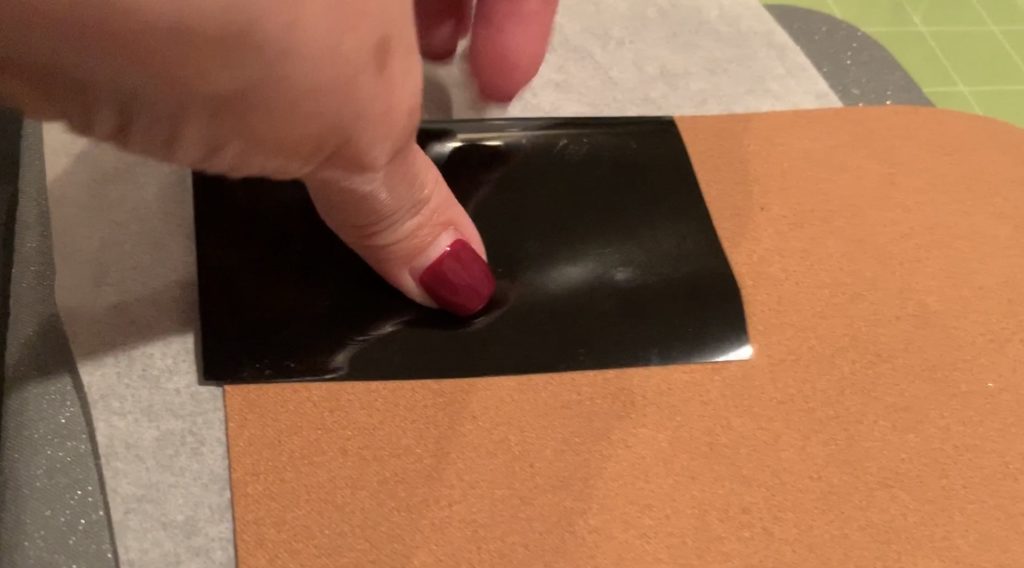
I use the Cricut Easy Press to apply the heat transfer material. I love my Easy Press.
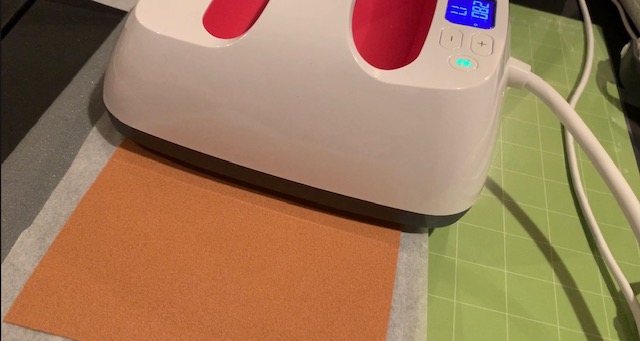
This is what it looks like after the heat transfer vinyl is applied.
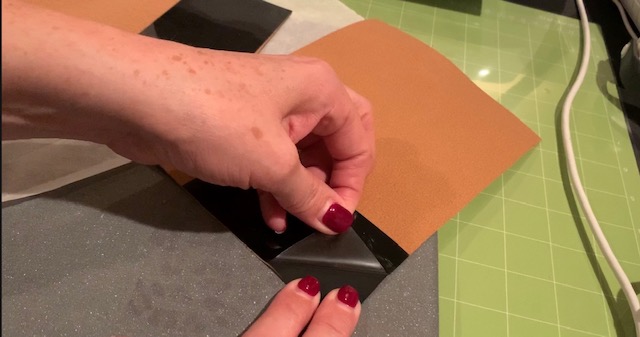
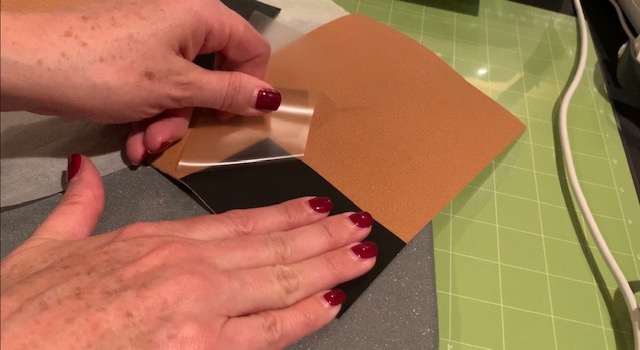
Remove the backing from the vinyl while it is still warm.
Here are some Easy Press mat options:
MAKE IT
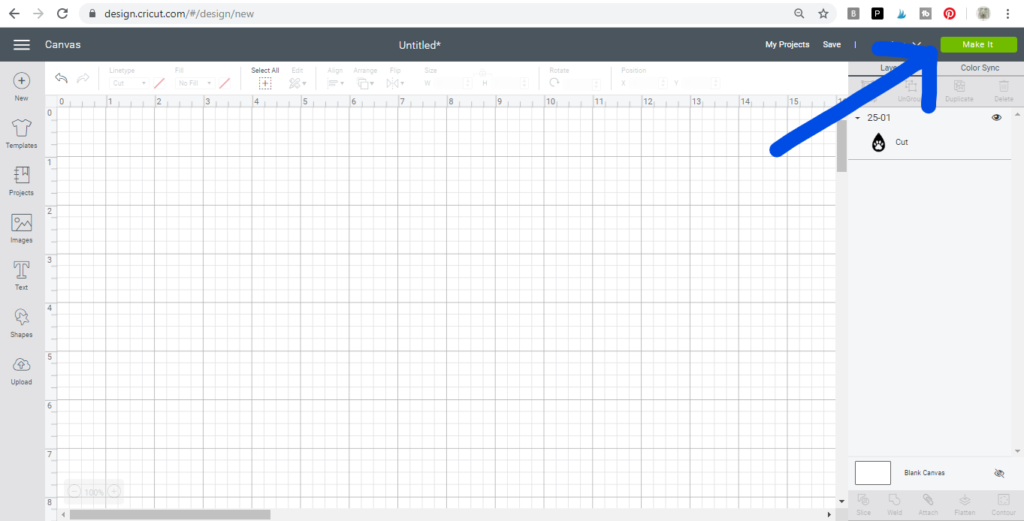
Once your mat has all the earring components ready to cut for your earring components and your material is ready, click on the Make It button to cut your circle faux leather earrings.
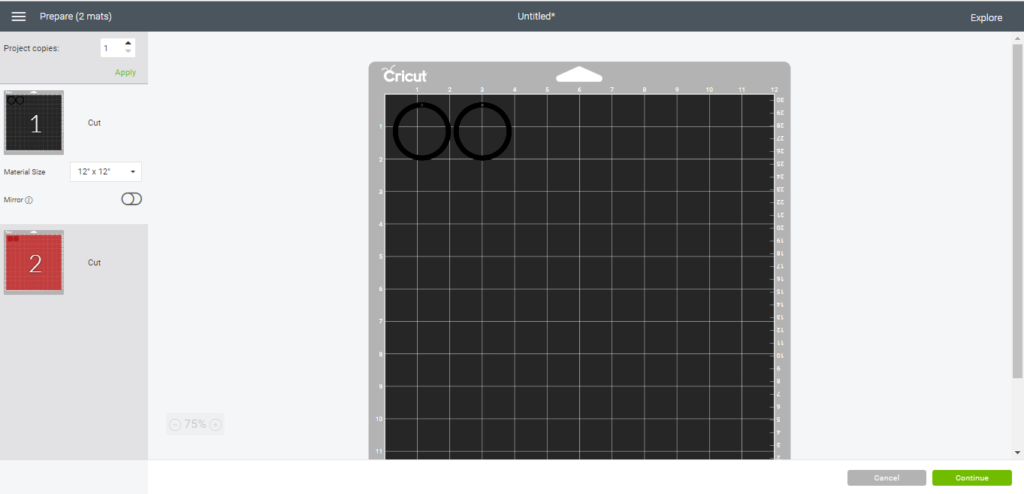
On the left you’ll see the different mats that will need to be cut.
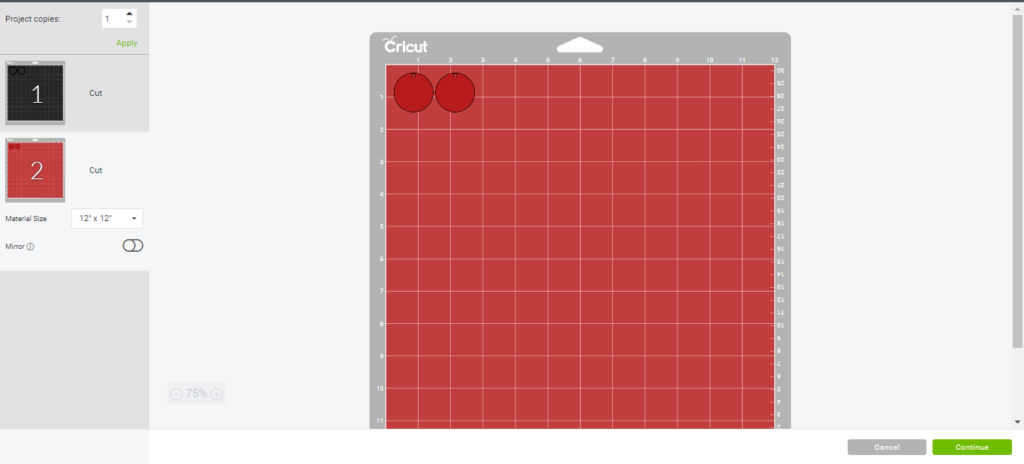
Set the Cricut machine on the right setting.
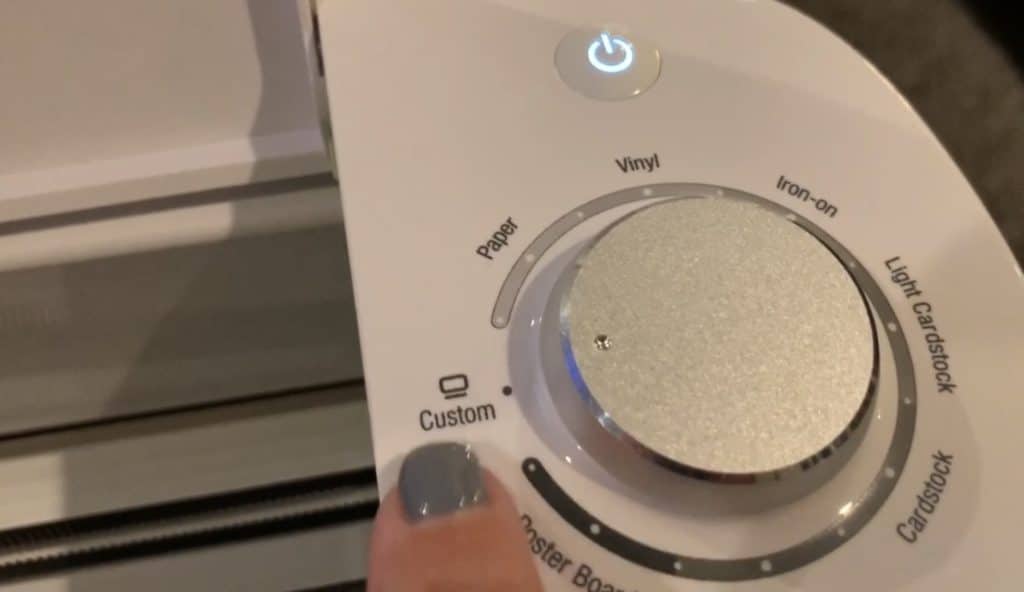
Turn your dial on your Cricut Explore to Custom. This lets you look at the long list of materials. You will need to select a material for EACH mat.
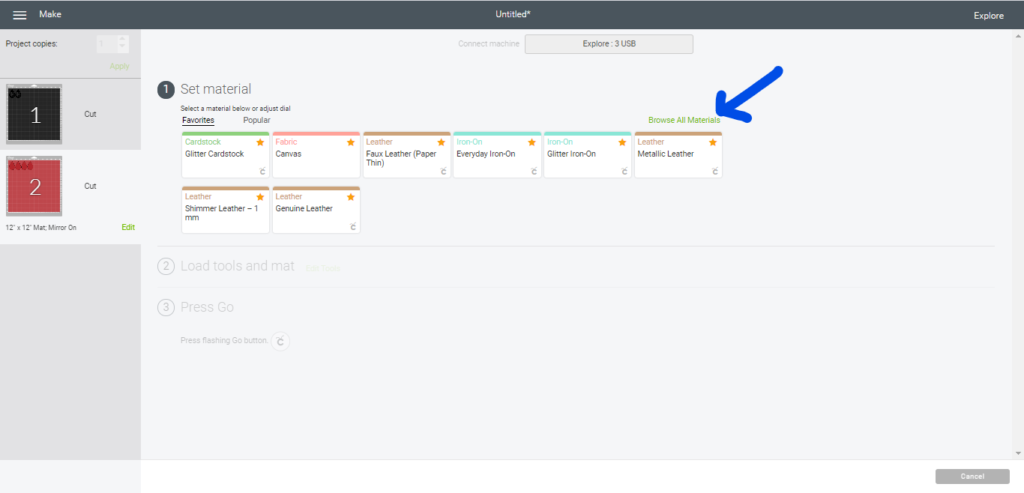
Click on the Browse All Materials link to see the menu of materials options on your Cricut.
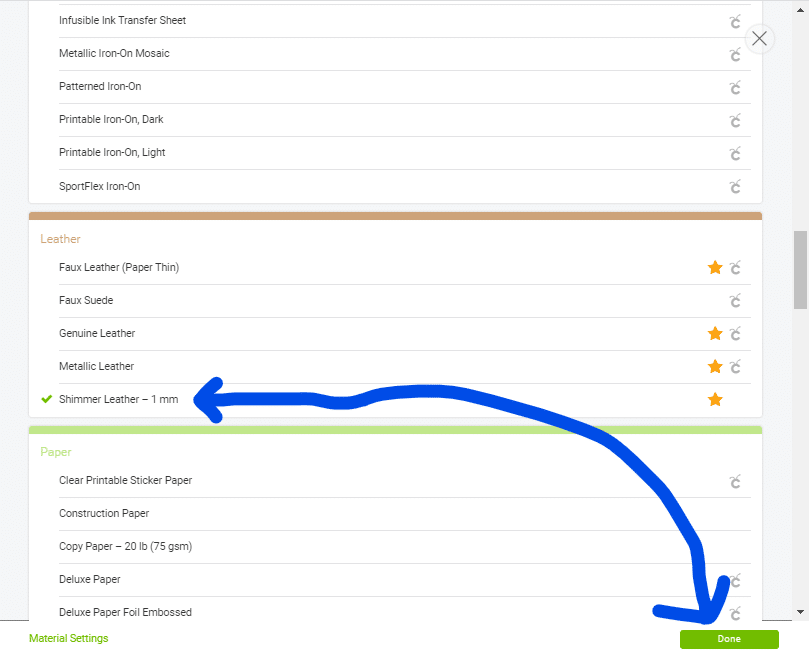
For this faux leather AND the cork I used the same setting – the Shimmer Leather – 1mm option.
Make sure you’re using the right blade.
You can cut cork, faux leather, faux suede, and leather on the Cricut Explore Air and on the Cricut Maker. When cutting thin cork sheets, faux leather and faux suede, I normally use the Cricut standard fine point blade. If you’re cutting genuine leather, you’ll need to use the Cricut deep blade.
Place your material on the cutting mat(s).
After placing the material on the mat, I use a Cricut Brayer roller to press the faux suede or faux leather onto the mat. If you don’t have one of those you can use a dough roller.
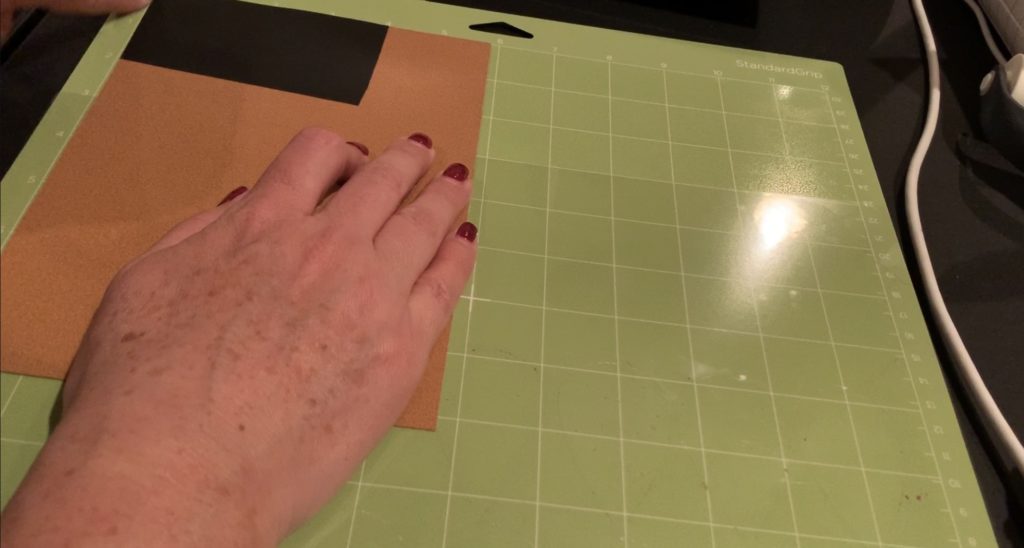
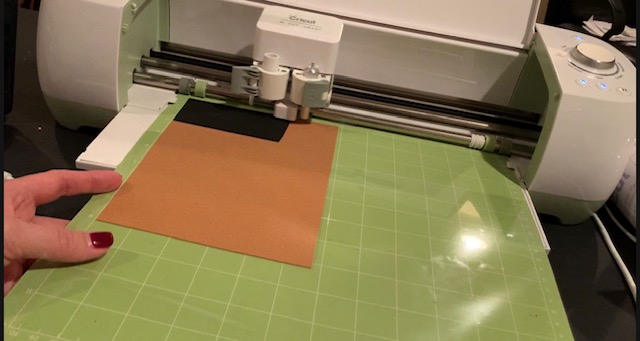
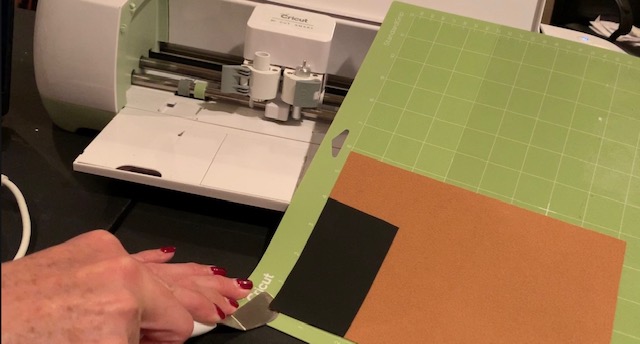
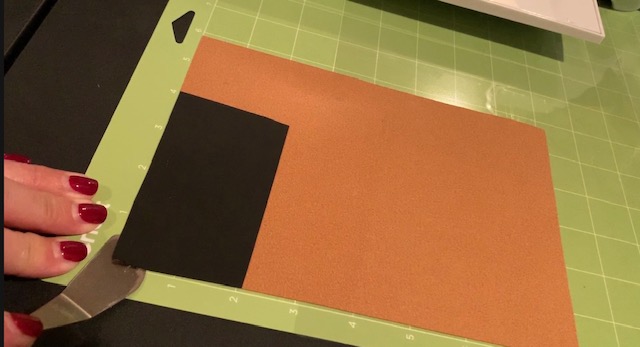
When removing the cork from the mat, always use a spatula. If you pull up the cork you can tear you cork.
This cork cut so nicely! Perfect circles.
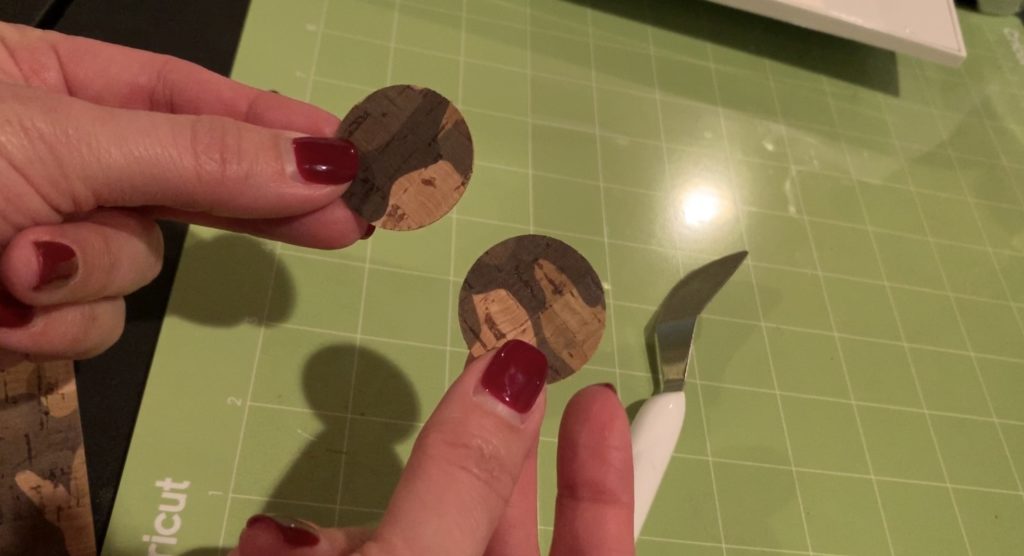
This is what the vinyl looks like on the back. I like it so much better than the orange-ish knit material.
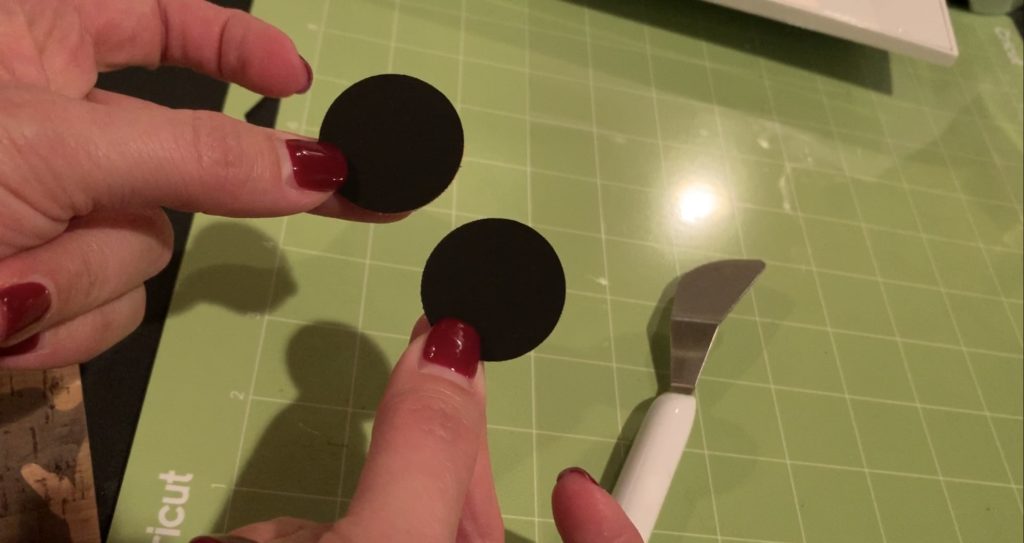
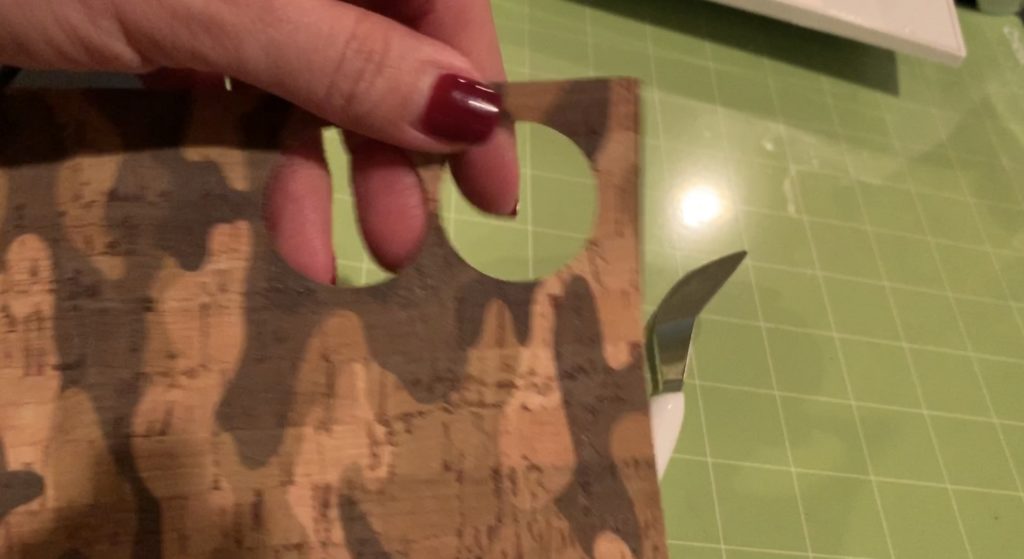
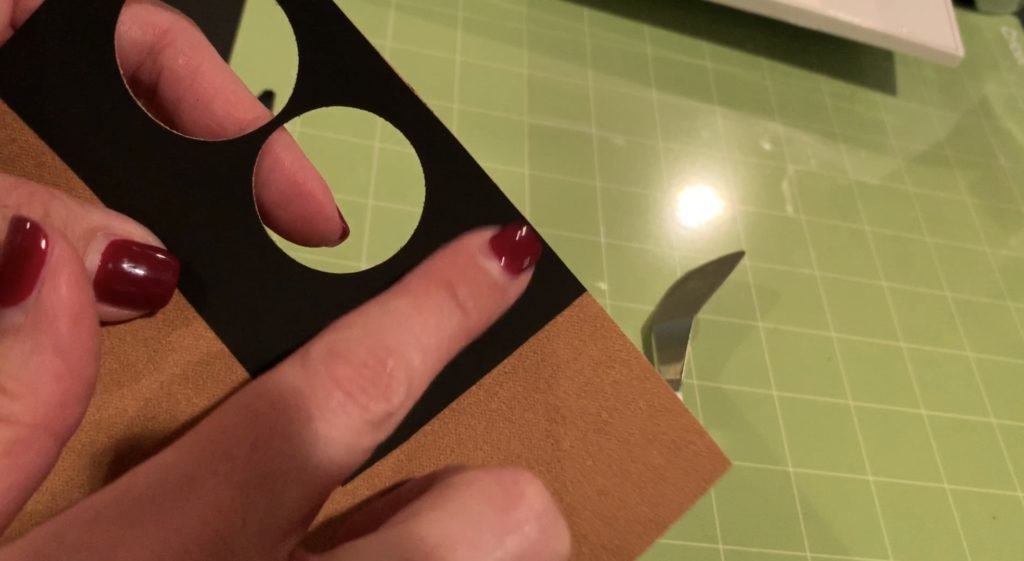
My leather didn’t cut all the way through in a few places.
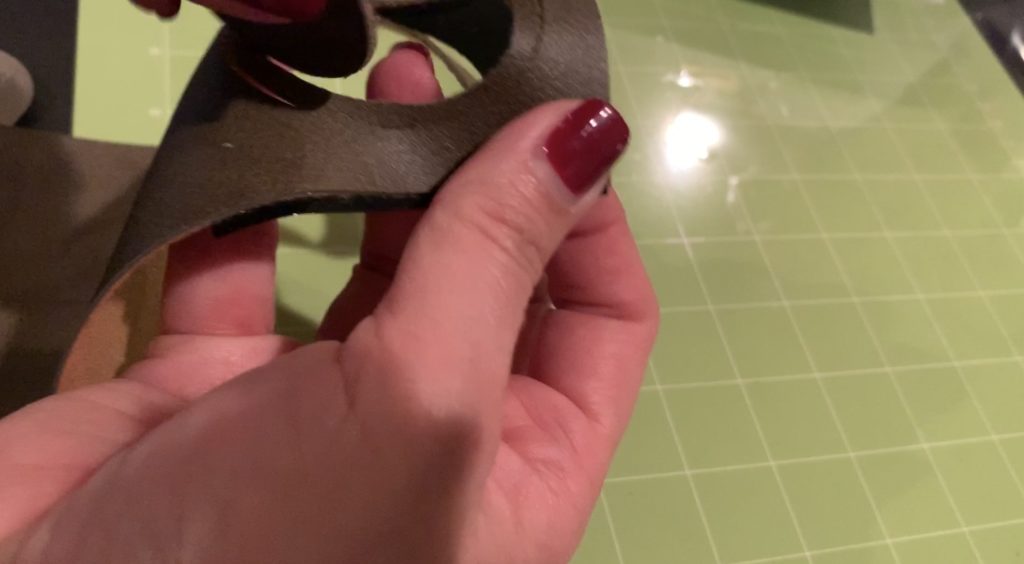
I used scissors to snip where it was still attached.
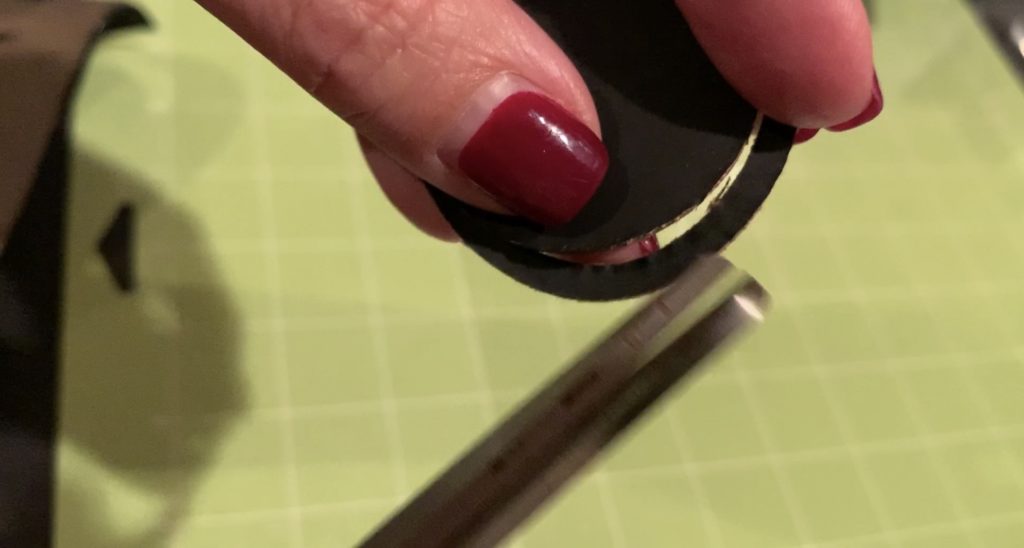
The line of the cut was very clear so I just needed to cut along that line.
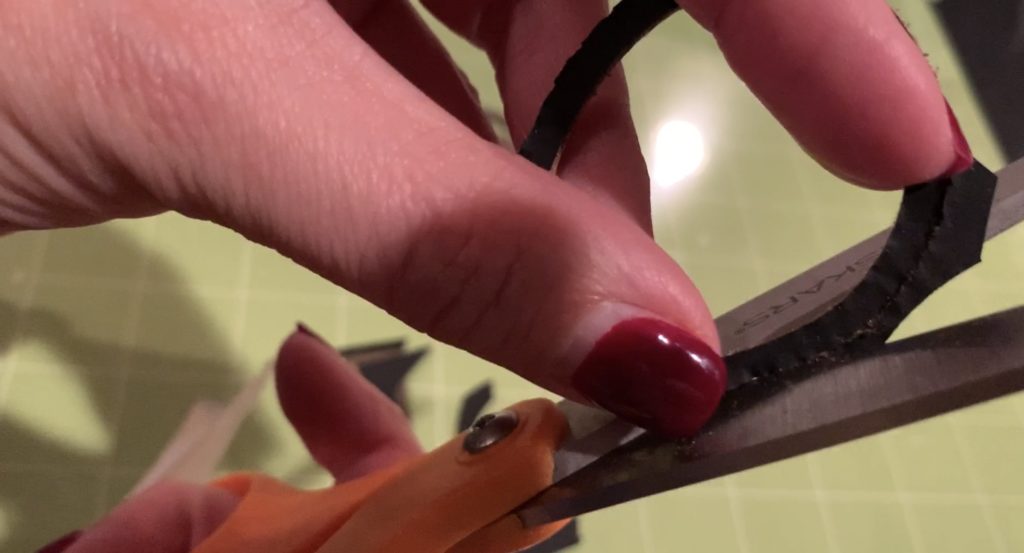
Trim any felt or fuzz from the earrings.
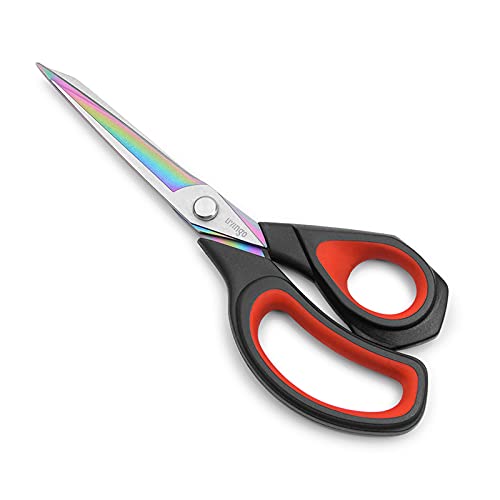
Using a pair of sharp scissors, trim fuzz from around the earrings. Be very careful not to cut any of the earring, you’re only cutting the fuzz off of your faux leather earrings. I have a pair of leather scissors that I love using when working on my earrings.
Place a hole in the top of the earring.
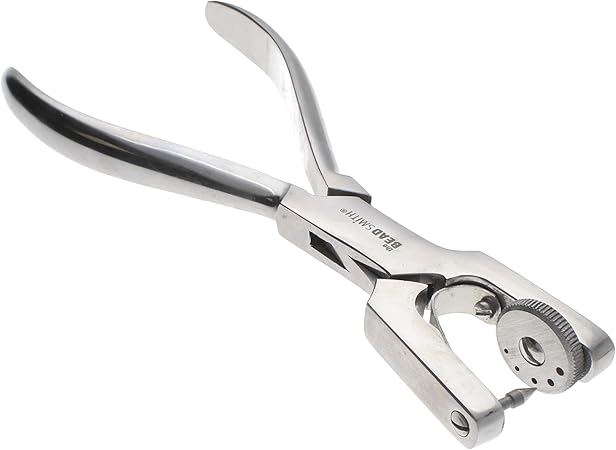
When my earrings don’t have holes, I use a leather punch to put the holes in my diy faux leather earrings. I especially like my leather punch that I got on Amazon that punches the really small holes! The tool linked above cuts through multiple layers of the earring at the same time. You can also use Cricut weeder tool to put a hole through faux leather and faux suede, but it is best to go through just one layer at a time if you do this.
The outer ring is pretty narrow so be very careful. I actually had to re-do one of mine because I didn’t get my hole in the center. Ugh.
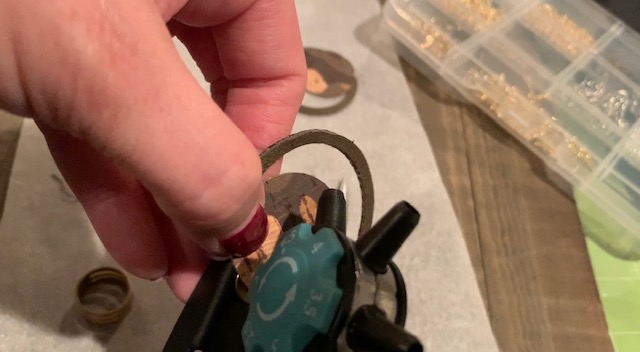
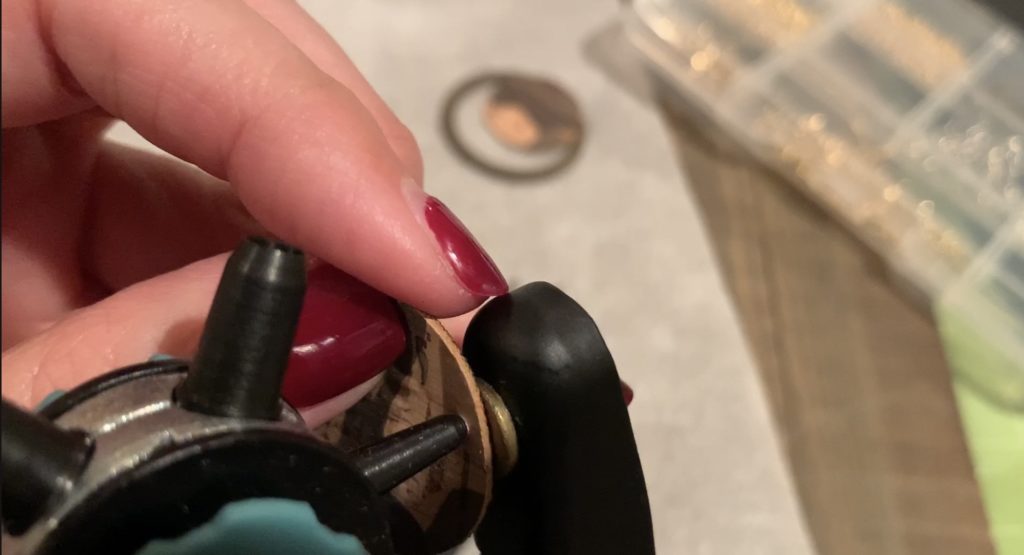
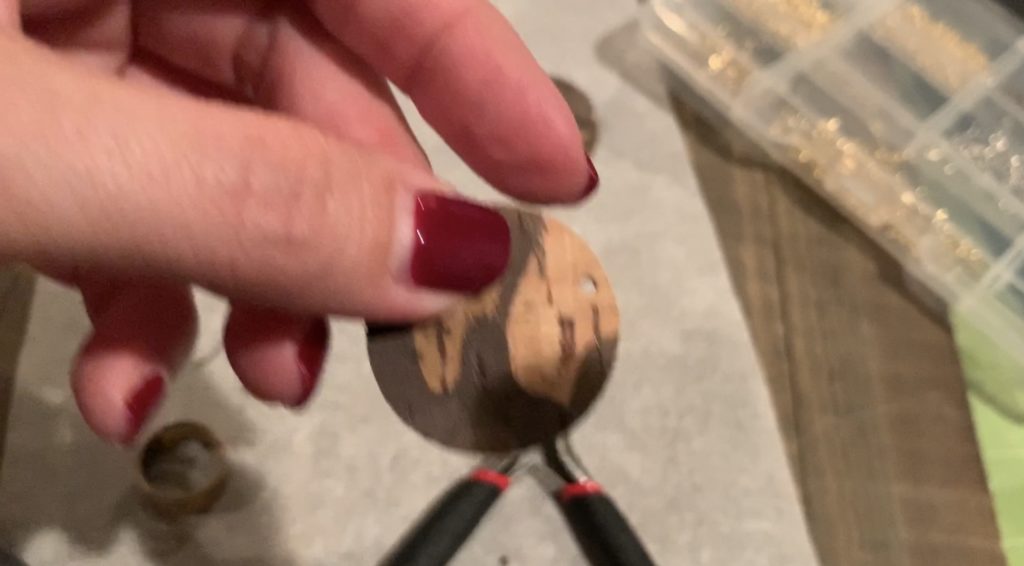
Gather necessary earring components and tools to finish your diy faux leather earrings.
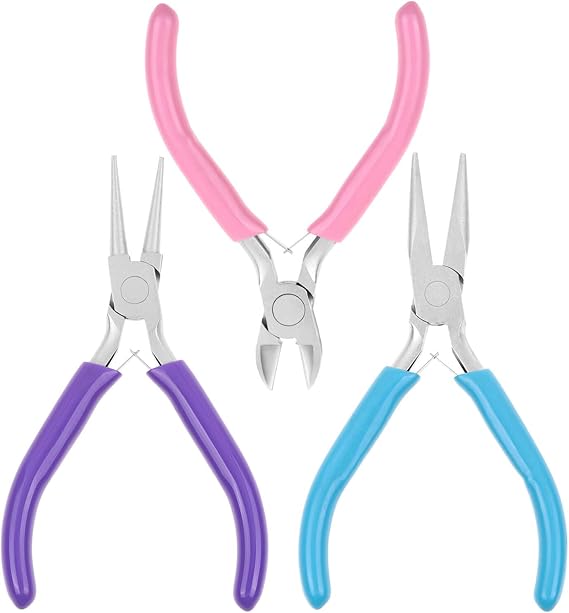
It doesn’t take much to put together earrings. You either need a couple of pairs of pliers or a jump ring tool and one pair of pliers. You can get the two tools below along with a full kit of earring hooks and jump rings on Amazon. It is the perfect starter set. Great for you if you’re getting started and a great gift for anyone that likes to DIY.

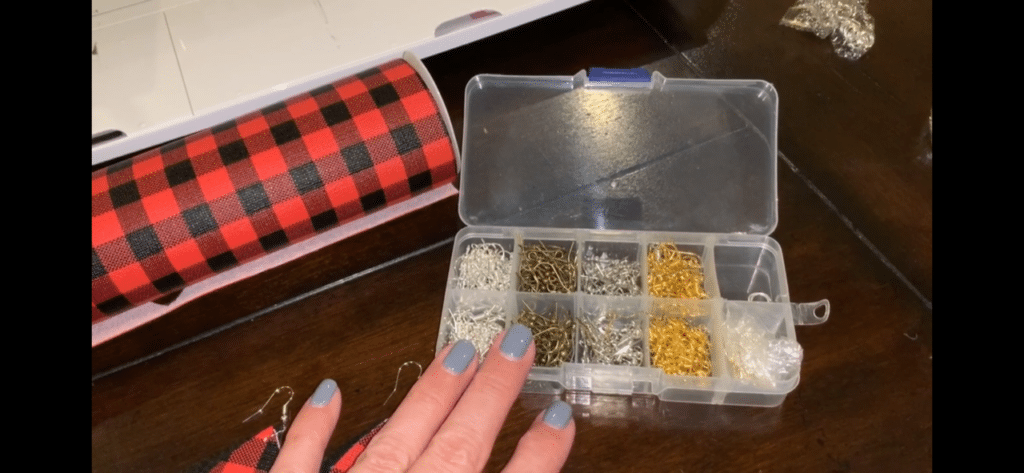
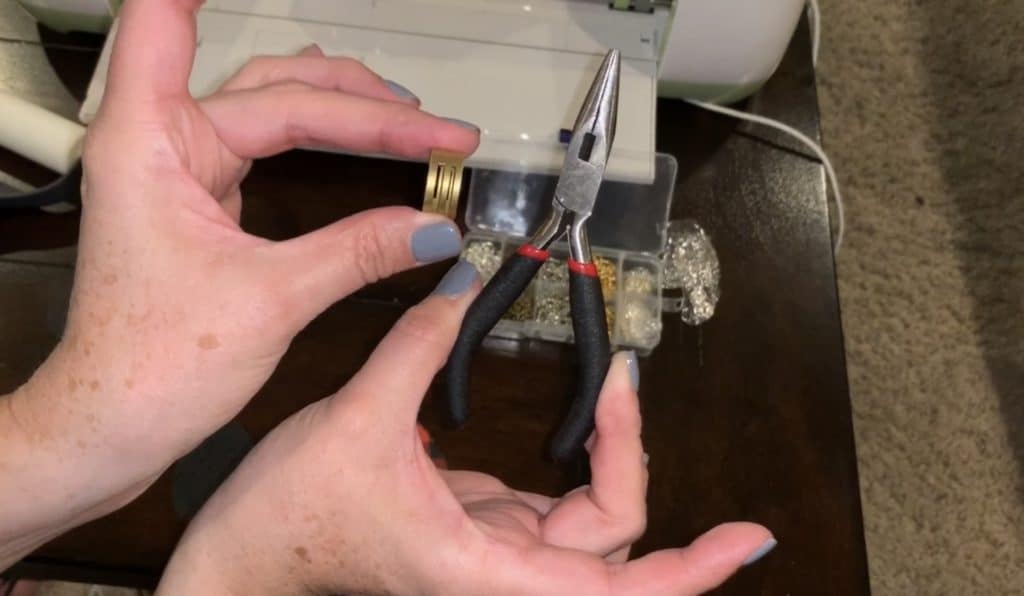
Open the jump ring.
A jump ring isn’t closed. This means with the right tools, you can open it to put on the earring components.
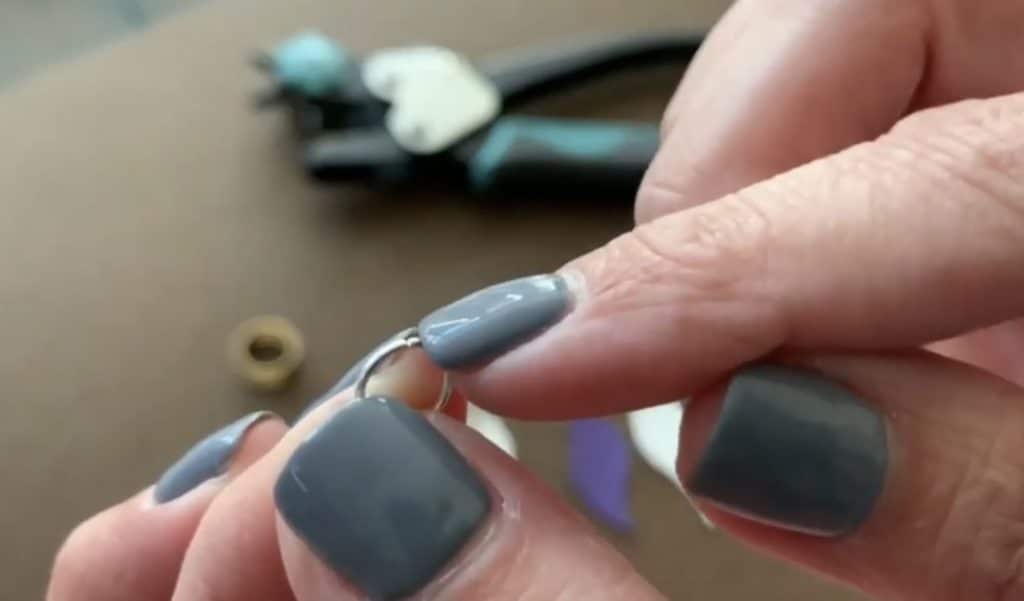
These are the two tools that I use to open and close my jump rings.
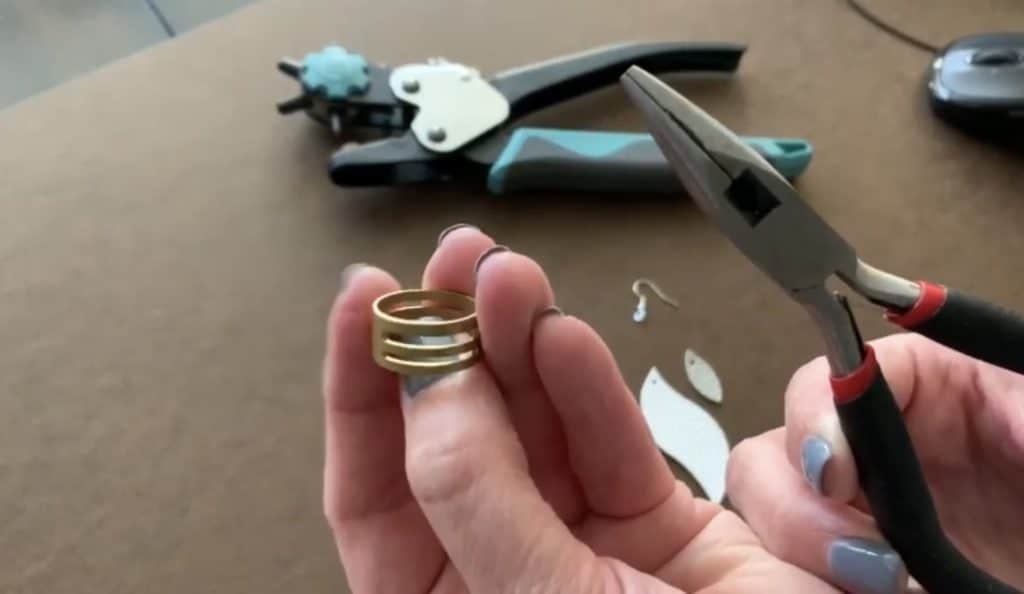
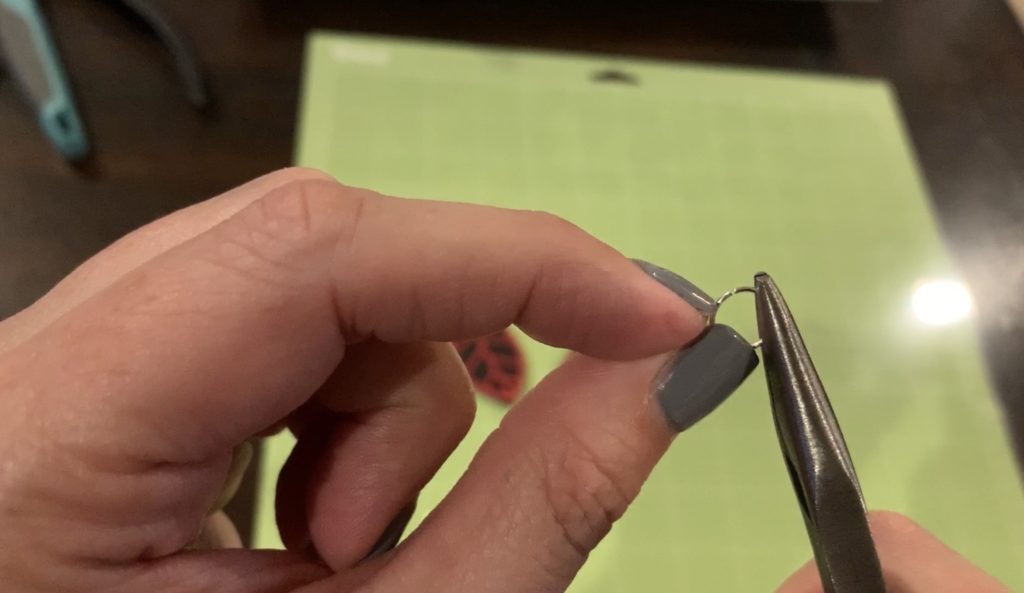
I hold one side of the jump ring with my pliers. With my other hand, I use my jump ring tool to push one side of the jump ring back (to open). It is important not to open the jump ring by pulling them to the left and right. If you do it that way, it will be hard to close the jump ring, while keeping the shape. Instead, push the ring back/front to open the jump ring.
Note: If you’re using the jump ring tool, find the slot on the tool that is sized right for the jump ring.
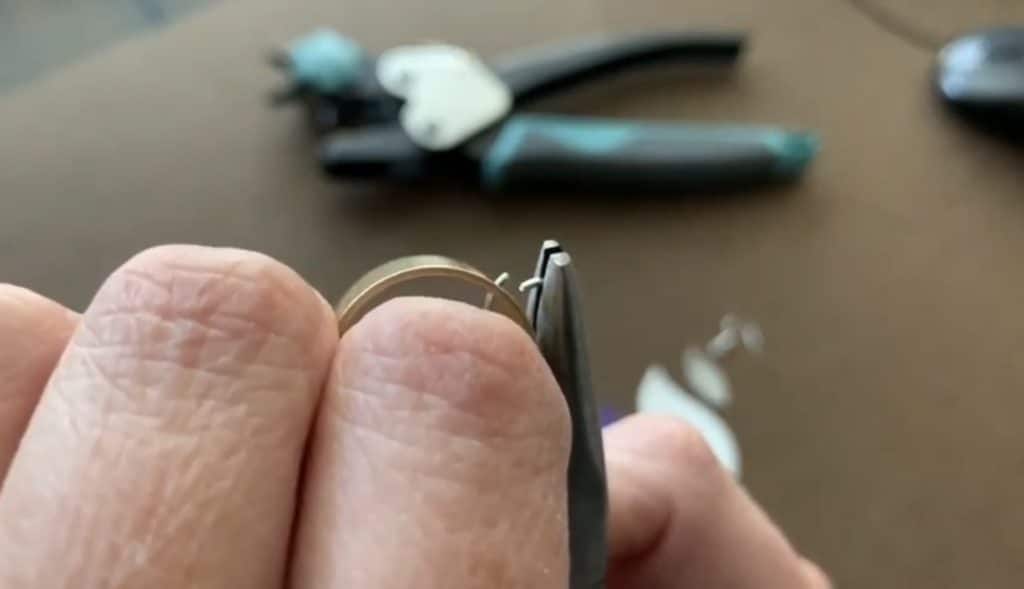
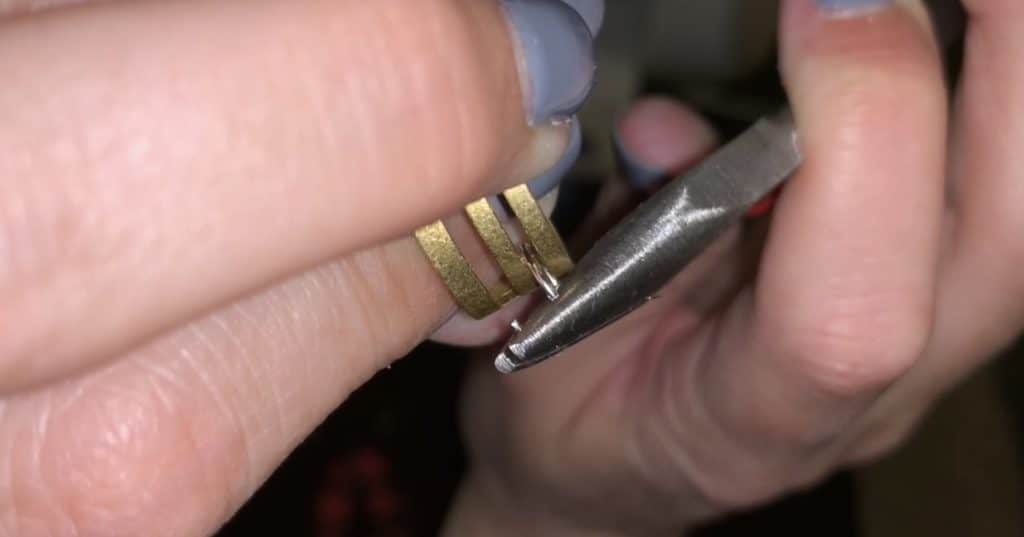
Put a hook onto a jump ring for each earring.
My new best practice is to put a jump ring onto the hook and to close the jump ring. I do this before I even begin to put the earring components onto a jump ring.
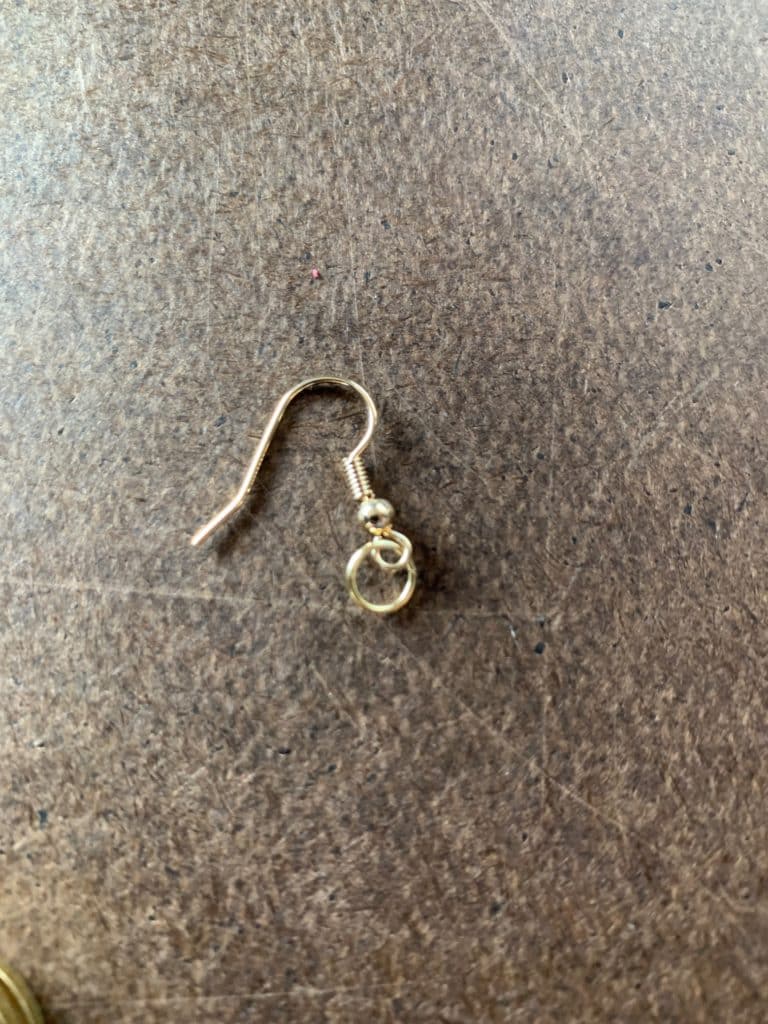
Put earrings and hook into a jump ring.
We’re almost done with our circle faux leather earrings.
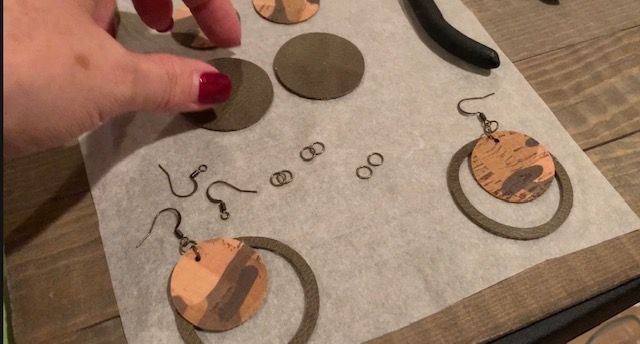
Open another jump ring and put the earrings onto the open jump ring.
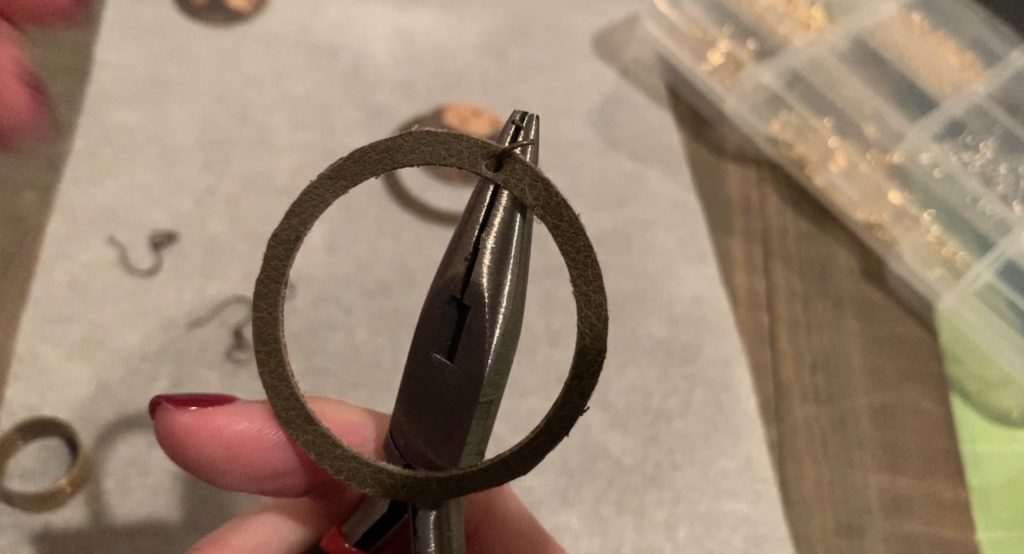
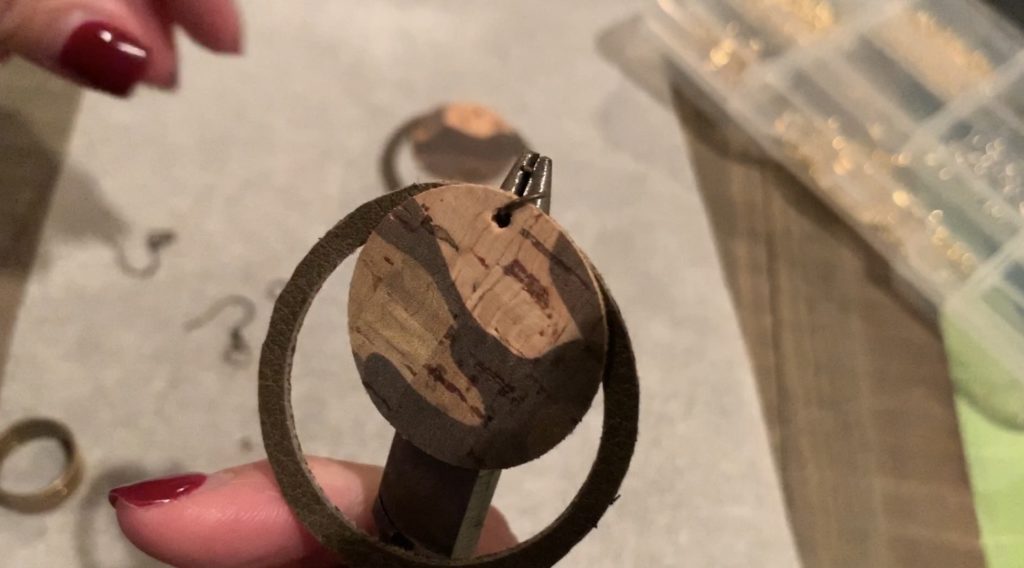
After putting the earring onto the jump ring, add the hook, making sure it is facing towards the back.
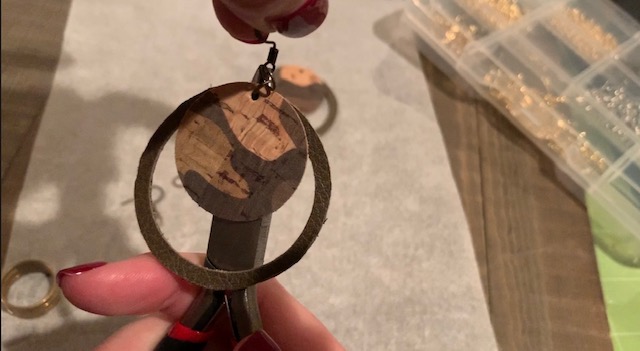
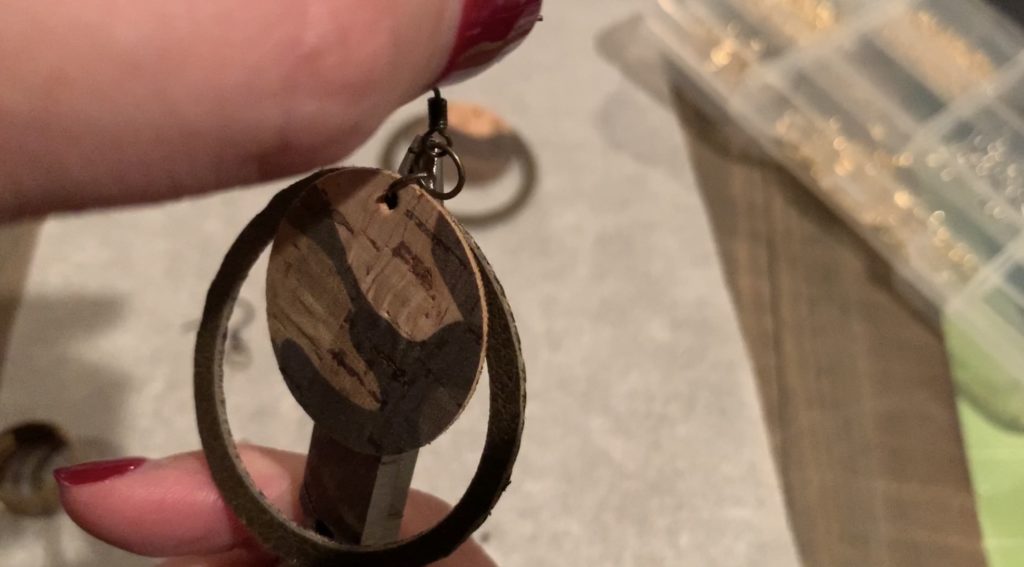
Using the pliers and the jump ring tool, close the jump ring.
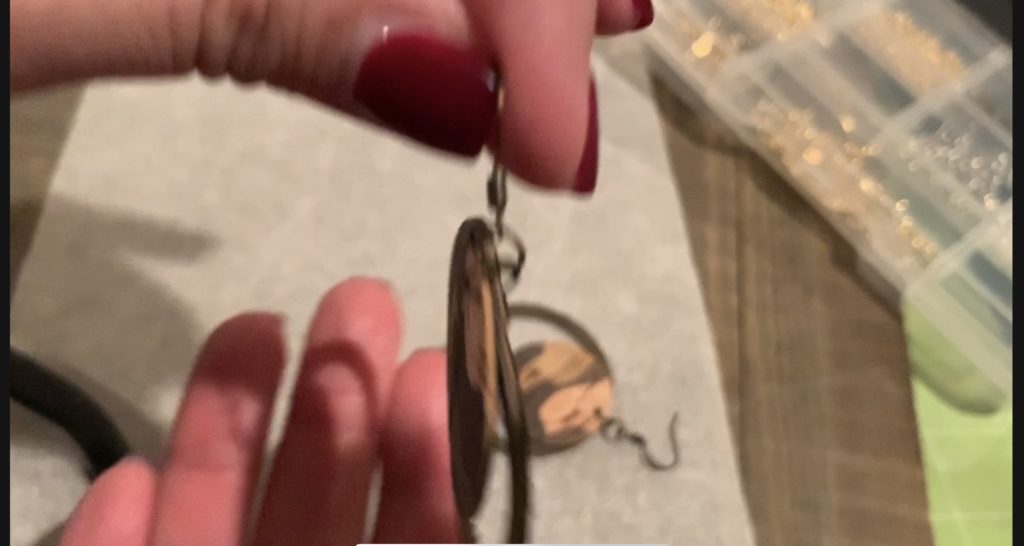
And that’s it! Your circle faux leather earrings are finished!
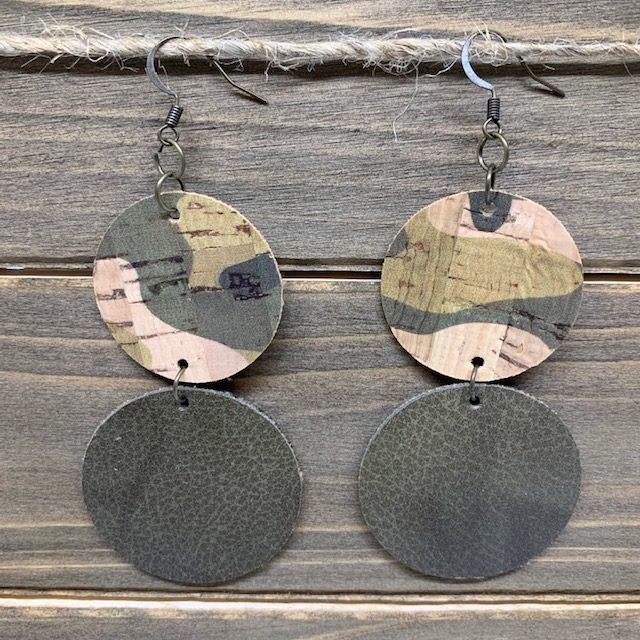
Bonus Project!
Making the bonus project is easy! Just attach the circles together with a jump ring. See my YouTube Video below if you need more help.
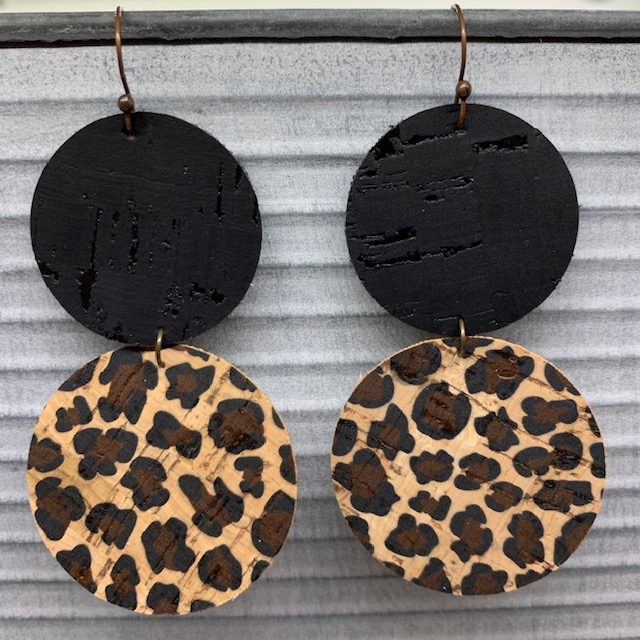
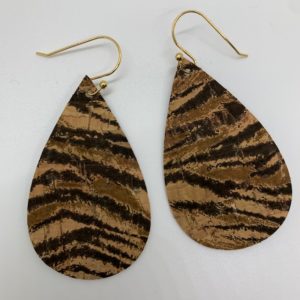
Baby Cheetah
Black Cork
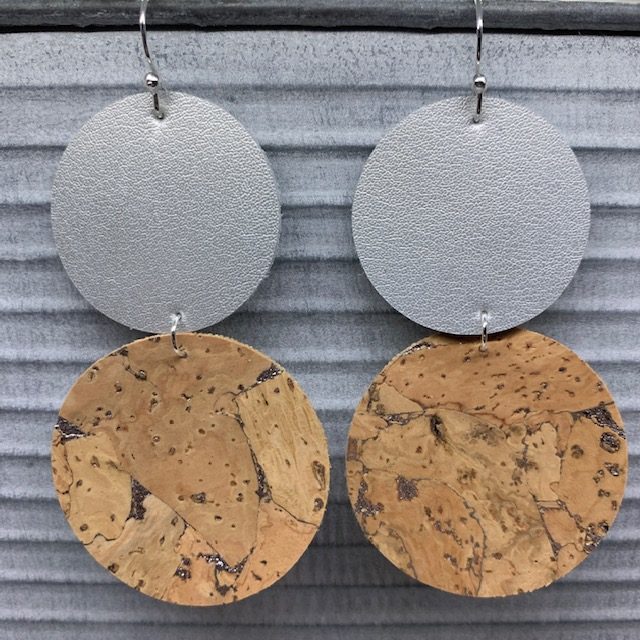
Silver Leather
Silver Splash Cork
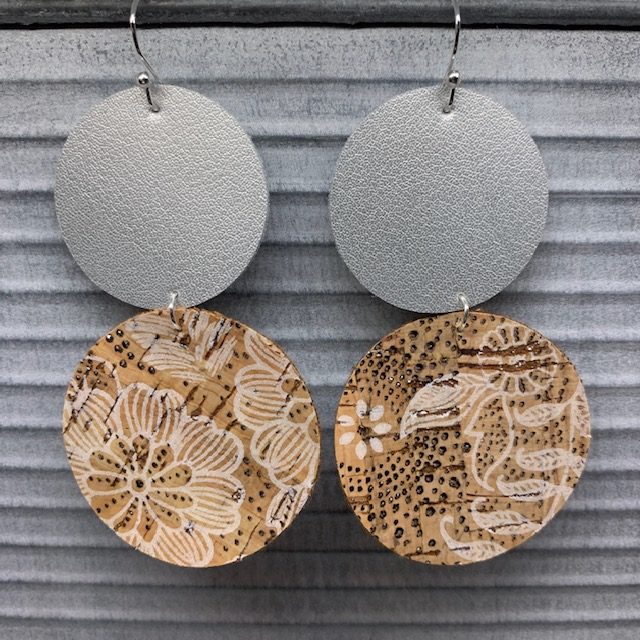
Silver Leather
White Floral with Silver Embossed Dots Cork
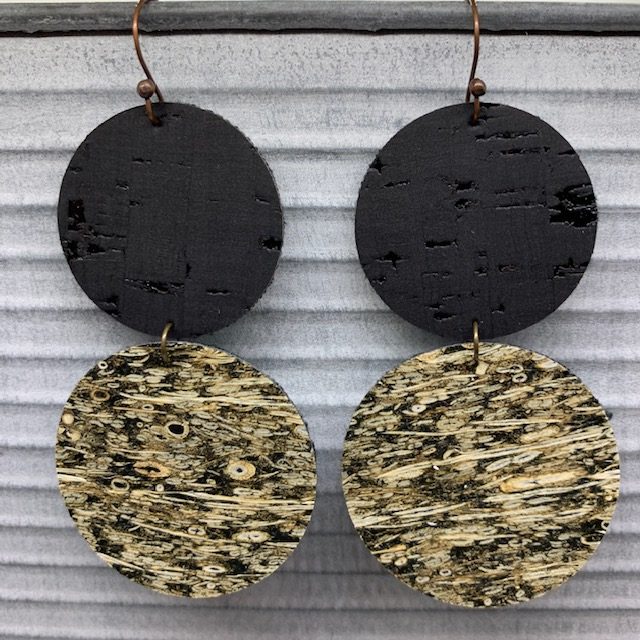
Black Cork
Dark Brown Straw Cork
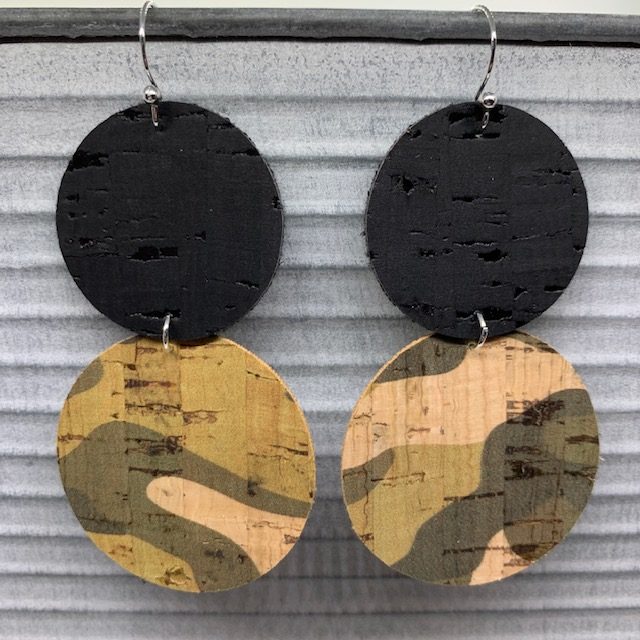
Black Cork
Camo Cork
If you enjoy making diy faux leather earrings, check out my other posts below.
Everyday Earrings DIY
- Leather Bar Earrings DIY
- How to Emboss Leather Earrings
- DIY Angled Fringe Earrings
- Leather Circle Earrings
- DIY Fringe Leaf-Shaped Earrings
- Cross leather earrings
- FRI-YAY Leather Earring DIY
- Leather Bar Earrings DIY (with metal charm)
- How to Make Genuine Leather Earrings
- Statement Earrings
- Teardrop Cork Earrings
- Hollow Faux Leather Earrings – Teardrop and Leaf Shaped
- Faux Leather Tall Stacked Earrings
- Faux Leather Circle Earrings
- Split Teardrop Faux Leather Earrings
- Faux Leather Stacked Marquise Earrings
- Stacked, wavy earrings – KSU
- Faux leather leaf cutout earrings
- Faux Leather earrings with fringe
- Faux Leather Teardrop Earrings
- Faux Leather Bar Earrings
- Faux Leather Leaf Earrings
Sports
- Football Earrings – Teardrop with football cut out
- Stacked Football earrings
- Chiefs Football Teardrop Earrings
- Chiefs Heart Teardrop Earrings
- Chiefs Arrowhead Earrings
- Chiefs Arrowhead on Teardrop Earrings
My Favorite Leather
My Favorite Faux Leather
Valentine’s Day Earrings
- 40 Great Valentine’s Day DIY Earrings
- LOVE Leather Earrings DIY
- Valentine’s Day earrings DIY (heart shape)
- Heart Earrings DIY (Iron On)
- Heart Earrings DIY (with heart cutout)
- DIY Valentine’s Day Earrings
St. Patrick’s Day Earrings
Winter-Themed Earrings DIY
- Snowflake Cutout Teardrop Faux Leather Earrings
- Snowman Leather Iron On Earrings
- Buffalo Check Snowman Cutout Earrings
Christmas -Themed Earrings DIY